
The Complete Guide to Working Smarter in 2026
Artificial intelligence is changing how people work, learn, plan, and manage their daily tasks. Among the most popular AI tools, ChatGPT has become a powerful productivity assistant for students, professionals, freelancers, business owners, marketers, and creators. ChatGPT can help you organize ideas, write content, summarize information, create plans, brainstorm solutions, manage tasks, and automate repetitive work.
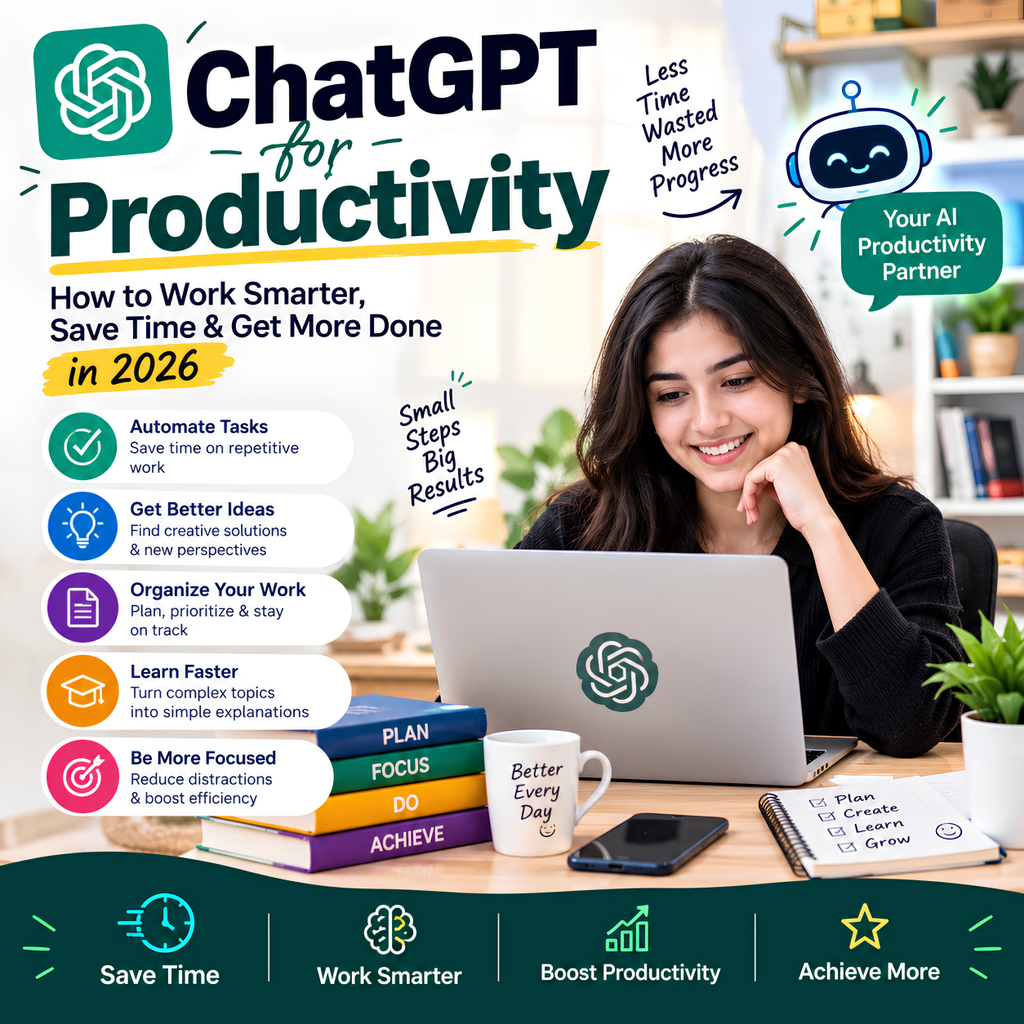
However, ChatGPT is most useful when you use it as an assistant that supports your thinking and workflow, rather than as a replacement for human judgment. This complete guide explains how to use ChatGPT for productivity, save time, improve efficiency, and get more done in 2026.
What Is ChatGPT for Productivity?
ChatGPT for productivity means using artificial intelligence to complete tasks more efficiently and reduce the time spent on repetitive work.
It can assist with tasks such as:
- Writing emails
- Creating to-do lists
- Planning projects
- Summarizing information
- Brainstorming ideas
- Creating meeting notes
- Organizing tasks
- Research assistance
- Content creation
- Learning new skills
- Problem-solving
Instead of starting every task from scratch, you can use ChatGPT to create a first draft, structure your ideas, or simplify complex information.
Example Prompt
I have five important tasks to complete today. Help me create a priority-based work schedule.
How Can ChatGPT Improve Productivity?
ChatGPT can improve productivity by reducing the time required for routine tasks.
For example, instead of spending 30 minutes creating an email draft, you can provide the important details and ask ChatGPT to create a professional first draft.
You can then review and personalize the content.
The biggest productivity benefits usually come from using ChatGPT for:
- Planning
- Writing
- Research
- Brainstorming
- Organization
- Learning
- Automation of repetitive tasks
15 Best Ways to Use ChatGPT for Productivity
1. Create Daily To-Do Lists
ChatGPT can help you organize your daily tasks based on priority.
Example Prompt
Create a productive daily to-do list for me. I have 6 hours available and need to complete these tasks: [add tasks].
You can ask ChatGPT to organize tasks using:
- High priority
- Medium priority
- Low priority
- Urgent tasks
- Deep work tasks
This can make your daily workflow more organized.
2. Create a Daily Work Schedule
Time management is one of the most important parts of productivity.
ChatGPT can help create a schedule based on your available working hours.
Example Prompt
Create a work schedule from 9 AM to 6 PM. Include focused work sessions, breaks, meetings, and task priorities.
You can also ask for schedules based on:
- The Pomodoro Technique
- Deep work sessions
- Study blocks
- Business tasks
- Content creation
3. Write Emails Faster
Writing professional emails can take time, especially when you need to communicate clearly.
ChatGPT can help create a first draft.
Example Prompt
Write a professional email to a client about a project delay. Keep the tone polite and professional.
You can also use ChatGPT to:
- Rewrite emails
- Make emails shorter
- Improve clarity
- Change the tone
- Correct grammar
Always review important emails before sending them.
4. Summarize Long Content
Long documents, articles, notes, and reports can take significant time to read.
ChatGPT can help summarize information into key points.
Example Prompt
Summarize this content into 10 important points. Keep the summary simple and easy to understand.
You can request:
- Bullet-point summaries
- Executive summaries
- Short summaries
- Key takeaways
- Action points
This can help you quickly understand large amounts of information.
5. Brainstorm Ideas
ChatGPT can be useful when you are stuck and need new ideas.
For example, you can use it for:
- Business ideas
- Content ideas
- Marketing campaigns
- Product ideas
- Problem-solving
Example Prompt
Give me 20 unique content ideas for a website about artificial intelligence tools.
The best approach is to use AI-generated ideas as a starting point and then improve them using your own experience and knowledge.
6. Plan Projects
Project planning often requires breaking a large goal into smaller tasks.
ChatGPT can help create a structured project plan.
Example Prompt
Create a step-by-step project plan for launching a new website. Include tasks, priorities, and estimated timelines.
ChatGPT can help you organize:
- Project goals
- Major tasks
- Subtasks
- Deadlines
- Resources
- Risks
ChatGPT for Task Management
It can help transform an unorganized list of task into a clear and structured action plan. By organizing priorities, setting deadlines, and breaking large tasks into smaller steps, it becomes easier to stay focused and productive.
For example:
Here are my tasks for this week: [paste tasks]. Organize them by priority and create a realistic weekly schedule.
You can ask it to categorize tasks using frameworks such as:
Important and Urgent
Tasks that need immediate attention.
Important but Not Urgent
Tasks that contribute to long-term goals.
Delegatable Tasks
Tasks that may be assigned to another person.
Low-Priority Tasks
Tasks that can be completed later.
ChatGPT for Time Management
Good productivity is not just about doing more tasks. It is about spending time on the right tasks.
ChatGPT can help you identify:
- Time-consuming activities
- High-value tasks
- Repetitive work
- Possible workflow improvements
Example Prompt
Analyze my daily work routine and suggest ways to reduce wasted time. Here is my typical schedule: [paste schedule].
ChatGPT for Content Creation Productivity
Content creators can use ChatGPT to speed up different parts of the content creation process.
It can help with:
- Topic research
- Content outlines
- Blog structures
- Social media ideas
- Headlines
- Meta descriptions
- FAQs
- Content improvement
Example Prompt
Create a detailed SEO-friendly blog outline for the keyword [keyword]. Include user questions and FAQ topics.
For best results, add your own experience, expertise, research, and original examples.
ChatGPT for Research Productivity
ChatGPT can help you understand a topic and organize your research process.
For example, you can ask:
I am researching [topic]. Create a list of important questions and subtopics I should investigate.
ChatGPT can assist with:
- Understanding terminology
- Creating research outlines
- Brainstorming questions
- Simplifying complex concepts
- Organizing information
Important Tip
Always verify important facts, statistics, dates, and sources before using them in professional or academic work.
ChatGPT for Meetings
Meetings can generate a large amount of information.
ChatGPT can help organize meeting notes into:
- Key discussion points
- Decisions
- Action items
- Responsibilities
- Next steps
Example Prompt
Convert these meeting notes into a structured summary with decisions, action items, and next steps.
This can help teams spend less time organizing information manually.
ChatGPT for Learning New Skills
Learning new skills is important for long-term productivity.
ChatGPT can act as an interactive learning assistant.
For example:
Create a 30-day beginner learning plan for [skill]. Include daily lessons and practice tasks.
You can use it to learn:
- Digital marketing
- SEO
- Programming
- Writing
- Communication
- Artificial intelligence
- Business skills
ChatGPT for Problem-Solving
When you face a problem, ChatGPT can help you analyze possible solutions.
Example Prompt
I am facing this problem: [describe the problem]. Help me identify possible causes and suggest practical solutions.
You can ask ChatGPT to provide:
- Different perspectives
- Advantages and disadvantages
- Possible solutions
- Risks
- Step-by-step action plans
Remember that important business, legal, financial, or medical decisions should not rely solely on AI-generated advice.
Best ChatGPT Prompts for Productivity
Daily Planning
Create a productive schedule for today based on these tasks: [tasks].
Task Prioritization
Organize these tasks by urgency and importance.
Time Management
Help me create a time-blocking schedule for my workday.
Writing
Improve this content and make it clearer, more professional, and easier to read.
Brainstorming
Give me 20 creative ideas related to [topic].
Project Planning
Break this project into smaller tasks and create a step-by-step action plan.
Learning
Create a beginner-friendly learning roadmap for [topic].
Problem-Solving
Analyze this problem and suggest multiple practical solutions.
ChatGPT Productivity Tips for Better Results
The quality of your results often depends on the quality of your prompt.
1. Provide Context
Instead of asking:
Create a schedule.
Try:
Create a 7-day work schedule for a content writer who works 6 hours per day.
More context usually leads to more useful responses.
2. Define the Desired Output
Tell ChatGPT exactly how you want the response.
For example:
- Create a table
- Use bullet points
- Keep it under 500 words
- Explain for beginners
- Provide step-by-step instructions
3. Break Large Tasks Into Smaller Prompts
Instead of asking ChatGPT to complete a large project in one prompt, divide the work into stages.
For example:
- Research ideas
- Create an outline
- Develop the first draft
- Improve the content
- Review the final result
4. Review AI Output
Never assume AI-generated information is automatically correct.
Review the output for:
- Accuracy
- Relevance
- Missing information
- Grammar
- Tone
- Facts
Benefits of Using ChatGPT for Productivity
Saves Time
ChatGPT can reduce the time spent on repetitive tasks.
Improves Organization
It can help structure tasks, ideas, and projects.
Supports Creativity
AI can provide new ideas when you feel stuck.
Improves Communication
It can help improve writing, emails, and professional communication.
Helps You Learn Faster
You can ask questions and receive explanations in different formats.
Limitations of ChatGPT for Productivity
While ChatGPT is useful, it has limitations.
It Can Make Mistakes
AI-generated information may occasionally be incorrect.
It Does Not Replace Human Judgment
Important decisions still require human expertise and critical thinking.
Privacy Matters
Avoid sharing sensitive personal, financial, or confidential business information unnecessarily.
Too Much Dependence Can Reduce Critical Thinking
Use ChatGPT as a productivity tool, but continue developing your own problem-solving and decision-making skills.
Frequently Asked Questions About ChatGPT for Productivity
Is ChatGPT good for productivity?
Yes. ChatGPT can help with writing, planning, research, brainstorming, task management, and learning.
Can ChatGPT help me save time?
Yes. It can speed up repetitive tasks such as drafting, summarizing, organizing, and brainstorming.
Can ChatGPT create a daily schedule?
Yes. You can provide your tasks and available time, and ChatGPT can help create a structured schedule.
Can professionals use ChatGPT for work?
Yes, but professionals should verify important information and follow their organization’s privacy and AI-use policies.
Is ChatGPT better than traditional productivity tools?
ChatGPT can complement traditional productivity tools by helping users think, write, plan, and organize information. It is often most effective when combined with calendars, task managers, and other productivity systems.
Final Thoughts
ChatGPT can become a valuable productivity assistant for anyone who wants to save time and work more efficiently.
Whether you are a student, freelancer, professional, entrepreneur, marketer, or content creator, ChatGPT can help you organize ideas, manage tasks, improve writing, plan projects, and solve problems.

Umang Pundir
Umang Pundir creates practical and easy-to-understand content about SEO, digital marketing, AI tools, content marketing, social media and online growth strategies.