
Complete Guide to Creating Better Slides With AI
Creating a great presentation requires more than adding text to slides. You need a clear topic, strong structure, useful information, engaging visuals, and a message that your audience can understand. For students, professionals, marketers, freelancers, teachers, and business owners, planning a presentation can take a significant amount of time. Gemini can help simplify the process.
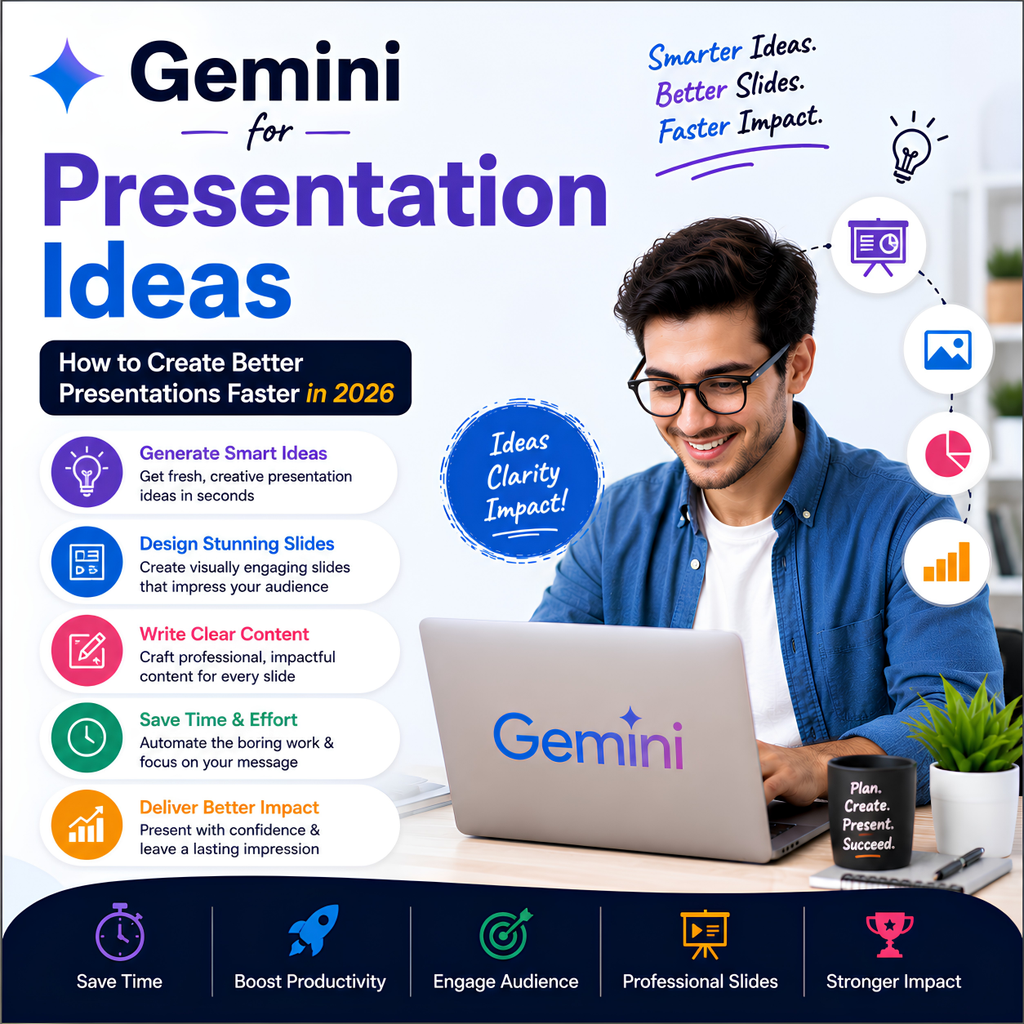
You can use Gemini to brainstorm presentation topics, create outlines, organize slide ideas, simplify complex information, generate examples, prepare speaker notes, and improve the overall flow of a presentation.
The best approach is to use Gemini as an AI presentation assistant. It can help you create a strong first draft, while your own knowledge, creativity, research, and presentation skills make the final result more valuable. This guide explains how to use Gemini for presentation ideas and create better presentations faster.
What Is Gemini for Presentation Ideas?
Gemini for presentation ideas means using Google’s AI assistant to help plan, organize, and improve a presentation.
It can help with:
- Presentation topic ideas
- Presentation outlines
- Slide structures
- Key talking points
- Examples and explanations
- Speaker notes
- Audience questions
- Presentation titles
- Visual concepts
- Slide content summaries
Gemini can help users generate presentation ideas, organize slide content, create outlines, simplify information, and prepare speaker notes, making the presentation creation process faster and easier.
Why Use Gemini for Presentations?
Many people struggle with presentations because they do not know where to start.
Common challenges include:
- Choosing a topic
- Finding the right presentation angle
- Organizing information
- Creating an engaging introduction
- Deciding what to include on each slide
- Explaining complex topics simply
Gemini can help overcome these challenges by turning a general idea into a structured presentation plan.
For example, instead of asking:
Create a presentation about artificial intelligence.
You can ask:
Create a 10-slide presentation outline about how artificial intelligence is changing education. The audience is college students, and the presentation should be simple and engaging.
Adding context usually produces more useful results.
15 Best Ways to Use Gemini for Presentation Ideas
1. Generate Presentation Topic Ideas
If you have a broad subject but do not know what specific topic to choose, Gemini can help generate ideas.
Example Prompt
Suggest 20 interesting presentation topics about artificial intelligence for college students.
You can also ask for topics based on:
- Education level
- Industry
- Audience
- Presentation time
- Purpose
For example:
Suggest 15 presentation topics about digital marketing for small business owners in India.
2. Create a Presentation Outline
A clear outline is the foundation of a good presentation.
Gemini can help divide your topic into logical sections.
Example Prompt
Create a 10-slide presentation outline about renewable energy. Include the purpose of each slide and the main points to cover.
A typical presentation structure may include:
- Title
- Introduction
- Problem or background
- Main concept
- Important examples
- Benefits
- Challenges
- Solutions
- Key takeaways
- Conclusion
3. Generate Slide-by-Slide Ideas
Gemini can help you decide what each slide should communicate.
Example Prompt
Create slide-by-slide ideas for a presentation about climate change. Include a title, key points, and suggested visual for each slide.
This can make it easier to avoid overcrowded slides.
Gemini for Presentation Content
Gemini can help create first drafts of presentation content.
It can assist with:
- Key points
- Definitions
- Summaries
- Examples
- Comparisons
- Statistics to research and verify
Example Prompt
Explain the benefits of artificial intelligence for businesses in five short points suitable for a presentation slide.
For better presentations, avoid placing long paragraphs directly on slides.
Use short points and explain the details while speaking.
Gemini for Presentation Design Ideas
Visual design can affect how easily an audience understands your presentation.
Gemini can help generate ideas for:
- Visual themes
- Slide layouts
- Image concepts
- Diagram ideas
- Infographic concepts
Example Prompt
Suggest a professional visual style for a presentation about AI in healthcare. Include slide layout ideas, image concepts, and typography recommendations.
Keep the final design consistent throughout the presentation.
Gemini for Presentation Storytelling
A good presentation often tells a story.
Instead of presenting random information, you can organize your presentation around:
Problem → Challenge → Solution → Results → Conclusion
Example Prompt
Help me turn this presentation topic into a storytelling structure: [topic].
Storytelling can make business, educational, and marketing presentations more engaging.
Gemini for Students
Students can use Gemini to prepare presentations for:
- School projects
- College assignments
- Seminars
- Research presentations
- Group presentations
Example Prompt
Create a simple 8-slide presentation outline about photosynthesis for Class 10 students.
Students should understand the presentation material instead of simply reading AI-generated content.
Teachers may also have specific policies about AI use.
Gemini for Business Presentations
Businesses can use Gemini to brainstorm presentation structures for:
- Sales presentations
- Client meetings
- Product presentations
- Marketing reports
- Business proposals
Example Prompt
Create a presentation structure for introducing a new product to potential customers. Focus on customer problems, product benefits, and next steps.
The final presentation should use accurate company and product information.
Gemini for Marketing Presentations
Marketing professionals can use Gemini to organize:
- Campaign presentations
- Strategy presentations
- Client reports
- Market research summaries
Example Prompt
Create a presentation outline for a digital marketing strategy for a small business. Include goals, target audience, channels, content strategy, and measurement.
Gemini for Freelancers
Freelancers can use Gemini to prepare:
- Client proposals
- Project presentations
- Portfolio presentations
- Strategy documents
Example Prompt
Create a 10-slide presentation outline for a freelance digital marketer presenting a marketing strategy to a new client.
Customize the final presentation based on the specific client and project.
Gemini for GEO-Friendly Presentation Content
GEO, or Generative Engine Optimization, focuses on creating information that is clear and easy for AI-powered systems to understand.
When creating presentation content, use clear structures such as:
- Questions and answers
- Definitions
- Key takeaways
- Step-by-step processes
- Comparisons
For example:
Question
How Can AI Improve Workplace Productivity?
Direct Answer
AI can improve productivity by helping automate repetitive tasks, organize information, generate first drafts, and support decision-making.
This type of structure can also make presentations easier for audiences to understand.
Gemini for AEO-Friendly Content
AEO focuses on answering questions directly.
You can use Gemini to identify the questions your audience may ask.
Example Prompt
List the 20 most common questions people ask about [presentation topic].
You can then answer important questions within your slides.
This approach can make your presentation more audience-focused.
Gemini for Speaker Notes
Speaker notes can help presenters explain slides with confidence.
Gemini can help create notes that expand on the short content displayed on slides.
Example Prompt
Create speaker notes for a 10-slide presentation about [topic]. Keep each explanation natural and conversational.
Do not memorize AI-generated notes word for word.
Use them to understand the main points and speak naturally.
Gemini for Presentation Questions and Answers
Preparing for audience questions can improve confidence.
Example Prompt
Based on this presentation topic, generate 20 questions that the audience may ask and provide short answers.
For technical or professional topics, verify important answers before the presentation.
Gemini for Simplifying Complex Topics
Presentations often fail because the information is too complicated.
Gemini can help simplify complex subjects.
Example Prompt
Explain [topic] in simple language for beginners. Use an everyday example.
You can also specify your audience:
- School students
- College students
- Business owners
- Customers
- Industry professionals
Best Gemini Prompts for Presentation Ideas
Presentation Topics
Suggest 20 engaging presentation topics about [subject] for [audience].
Presentation Outline
Create a [number]-slide presentation outline about [topic].
Slide Ideas
Suggest the purpose, title, and key points for each slide in my presentation about [topic].
Speaker Notes
Create natural speaker notes for this presentation.
Design Ideas
Suggest visual and layout ideas for a presentation about [topic].
Simplifying Information
Explain this topic in simple language suitable for [audience].
Audience Questions
Generate possible audience questions about [topic].
Presentation Conclusion
Write three strong conclusion ideas for a presentation about [topic].
How to Write Better Gemini Prompts for Presentations
The quality of your output depends on the instructions you provide.
1. Define Your Audience
Tell Gemini who will watch your presentation.
For example:
Create a presentation for first-year college students.
or:
Create a presentation for small business owners.
2. Specify the Number of Slides
For example:
Create a 10-slide presentation.
This helps Gemini organize the information appropriately.
3. Mention the Presentation Goal
Examples include:
- Educate
- Inform
- Persuade
- Sell
- Train
Example Prompt
Create a 12-slide presentation designed to persuade small business owners to adopt digital marketing.
4. Specify the Tone
You can request:
- Professional
- Educational
- Simple
- Conversational
- Inspirational
Benefits of Using Gemini for Presentations
Saves Planning Time
Gemini can quickly generate ideas and presentation structures.
Helps Overcome Creative Blocks
It can suggest multiple presentation angles.
Improves Organization
AI can help structure information logically.
Supports Different Audiences
Content can be adjusted for beginners or professionals.
Helps Prepare for Questions
You can generate possible audience questions in advance.
Limitations of Gemini for Presentation Creation
Information May Be Incorrect
Always verify important facts, statistics, and examples.
AI Content Can Be Generic
Add your own insights, examples, and experiences.
Design Requires Human Judgment
AI can suggest visual concepts, but the final design should match your audience and purpose.
AI Should Not Replace Preparation
Understanding your topic is essential for a confident presentation.
How to Use Gemini Responsibly for Presentations
Follow these best practices:
- Verify important information.
- Use reliable sources for statistics and research.
- Keep slide text short.
- Add original examples.
- Practice your presentation.
- Do not rely completely on AI-generated speaker notes.
- Check your school or organization’s AI policy.
The best presentations combine:
AI assistance + human knowledge + clear storytelling + effective visuals.
Frequently Asked Questions About Gemini for Presentation Ideas
Can Gemini create presentation ideas?
Yes. Gemini can help brainstorm topics, create outlines, suggest slide structures, and generate talking points.
Can Gemini create slide content?
Gemini can help draft key points, summaries, explanations, and speaker notes for slides.
Is Gemini useful for students?
Yes. Students can use Gemini to brainstorm topics, organize information, simplify complex concepts, and prepare for presentations.
Can Gemini help with business presentations?
Yes. Gemini can help structure business, sales, marketing, and project presentations.
Can Gemini improve presentation design?
Gemini can suggest visual concepts, layouts, and design ideas. The final design should be reviewed and customized by the presenter.
Should I use Gemini-generated content without checking it?
No. Always verify facts, statistics, and important information before using them in a presentation.
Final Thoughts
Gemini can be a useful AI assistant for anyone who wants to create presentations faster.
Whether you are a student, professional, freelancer, teacher, marketer, or business owner, Gemini can help you brainstorm ideas, organize information, create slide outlines, prepare speaker notes, and simplify complex topics.
However, AI alone does not create a great presentation.
The best presentations combine:
- Clear ideas
- Accurate information
- Strong storytelling
- Useful visuals
- Human expertise
- Confident delivery
Use Gemini to reduce the time spent planning your presentation, then use your own knowledge and creativity to make the final presentation engaging and memorable.

Umang Pundir
Umang Pundir creates practical and easy-to-understand content about SEO, digital marketing, AI tools, content marketing, social media and online growth strategies.