
Updated Complete Guide to Learning With AI
Students today have access to more information than ever before, but finding useful information, understanding difficult topics, organizing notes, and preparing for exams can still be challenging. Google Gemini can help students simplify learning and save time on everyday academic tasks.
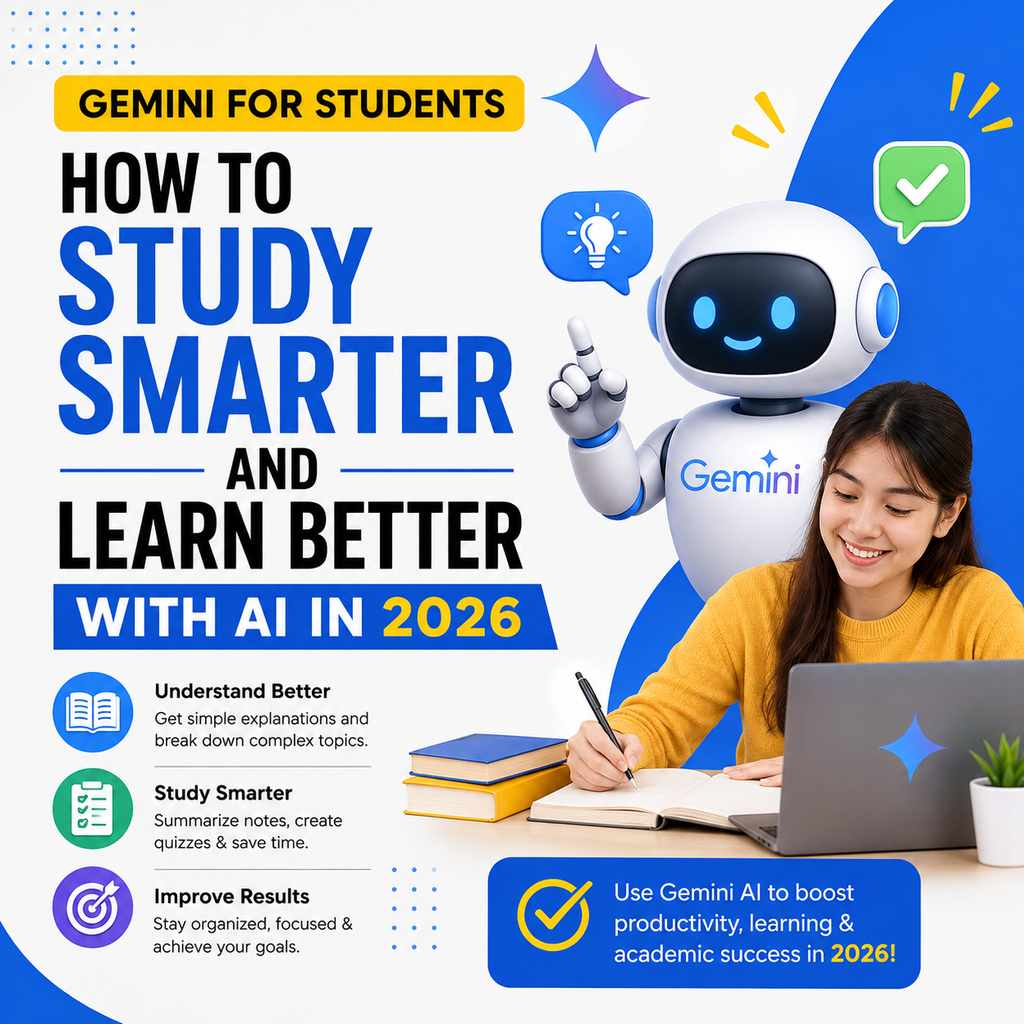
Students can use Gemini to understand complex concepts, create study plans, summarize notes, generate practice questions, brainstorm project ideas, and prepare presentations. However, the best way to use Gemini is as an AI learning assistant, not as a replacement for studying. This guide explains how students can use Gemini responsibly for studying, research, homework, productivity, and academic preparation.
What Is Gemini for Students?
Gemini for Students means using Google’s AI assistant to support learning and academic tasks.
Students can use Gemini for:
- Understanding difficult concepts
- Creating study plans
- Summarizing notes
- Generating practice questions
- Preparing for exams
- Brainstorming assignment ideas
- Creating presentation outlines
- Improving writing
- Organizing information
- Learning new subjects
Is Gemini Useful for Students?
Yes. Gemini can help students understand difficult topics, organize study materials, create study plans, summarize information, and practice concepts. However, students should verify important information and follow their school’s rules about using AI.
Why Should Students Use Gemini?
Students often spend time on tasks that can be difficult to organize.
For example, a student may need to:
- Read large amounts of information
- Understand difficult concepts
- Create notes
- Prepare assignments
- Study for examinations
- Create presentations
- Manage deadlines
Gemini can help make these tasks easier by providing explanations, structured plans, and practice materials.
The most effective use of AI is to improve understanding.
Instead of asking AI to simply complete an assignment, students can ask it to explain the topic, provide examples, and create practice questions.
15 Best Ways Students Can Use Gemini
1. Understand Difficult Topics
Gemini can explain complex topics in simpler language.
This can be useful when a textbook explanation is difficult to understand.
Example Prompt
Explain [topic] as if I am a beginner. Use simple language and give three real-life examples.
You can also ask:
Explain this topic step by step.
Simplify this explanation.
Give me an example.
Ask me questions to check my understanding.
Use Gemini to Create Study Plans
A study plan can help students organize their time before exams.
Gemini can help create:
- Daily study plans
- Weekly schedules
- Exam preparation plans
- Subject-wise plans
Example Prompt
Create a 14-day study plan for my upcoming examination in [subject]. I can study for [number] hours per day.
The final schedule should be adjusted according to your actual syllabus and available time.
Use Gemini to Summarize Notes
Students often need to review long chapters and notes.
Gemini can help summarize information into:
- Short notes
- Key points
- Important concepts
- Revision notes
Example Prompt
Summarize this chapter into simple revision notes. Include the most important concepts and definitions.
Always compare summaries with your original study material to ensure important information has not been missed.
Use Gemini to Generate Practice Questions
Practice is an important part of learning.
Gemini can help create:
- Multiple-choice questions
- Short-answer questions
- Long-answer questions
- Practice quizzes
Example Prompt
Create 20 practice questions about [topic]. Include a mix of easy, medium, and difficult questions.
You can then attempt the questions yourself before checking the answers.
Use Gemini for Exam Preparation
Gemini can help students organize exam preparation.
Example Prompt
Help me prepare for an exam about [subject]. First create a list of important topics, then create a revision plan and practice questions.
A good exam strategy should include:
- Understanding concepts
- Revision
- Practice questions
- Previous papers
- Time management
Use Gemini as a Personal Tutor
Students can use Gemini as a conversational learning assistant.
Instead of asking for the answer immediately, try asking Gemini to teach the topic step by step.
Example Prompt
Teach me [topic] like a personal tutor. Start with the basics and ask me questions after each section.
This approach encourages active learning.
Use Gemini to Improve Writing
Students can use Gemini to improve their writing.
It can help identify:
- Grammar mistakes
- Unclear sentences
- Repetitive language
- Weak structure
Example Prompt
Review this paragraph and suggest improvements for grammar, clarity, and readability. Do not change the meaning.
Students should review all suggestions and make sure the final work reflects their own understanding.
Use Gemini for Research Planning
Research assignments can be easier when students first create a clear plan.
Gemini can help generate:
- Research questions
- Topic ideas
- Research outlines
- Important subtopics
Example Prompt
I am researching [topic]. Create a research plan with important questions and subtopics that I should investigate.
Students should use reliable academic and official sources for important research.
Use Gemini for Presentation Ideas
Students often need to create presentations for school or college.
Gemini can help with:
- Presentation topics
- Slide outlines
- Key talking points
- Speaker notes
- Possible audience questions
Example Prompt
Create a 10-slide presentation outline about [topic]. Include the purpose and key points for each slide.
Students should understand the material before presenting it.
Use Gemini for Homework Support
Gemini can help students understand homework questions.
Instead of asking:
Give me the answer.
Try:
Explain how I can solve this question step by step without immediately giving me the final answer.
This approach helps students develop problem-solving skills.
Use Gemini for Brainstorming Assignment Ideas
Starting an assignment can sometimes be difficult.
Gemini can help brainstorm:
- Assignment topics
- Essay angles
- Project ideas
- Research questions
Example Prompt
Suggest 10 original assignment ideas about [subject]. Make them suitable for [education level].
Choose and develop an idea that genuinely interests you.
Use Gemini to Create Flashcards
Flashcards can be useful for memorizing important information.
Example Prompt
Convert these notes into 30 question-and-answer flashcards for revision.
You can review the flashcards regularly before an examination.
Use Gemini to Learn a New Skill
Students can use Gemini to create learning plans for new skills.
Examples include:
- Coding
- Writing
- Digital marketing
- Graphic design
- Communication
Example Prompt
Create a beginner-friendly 30-day learning plan for [skill].
Practice is essential when learning a new skill.
Use Gemini for Productivity
Students often need help organizing their workload.
Gemini can help create:
- To-do lists
- Daily schedules
- Priority lists
- Assignment checklists
Example Prompt
I have these assignments and tasks. Organize them by priority and create a realistic weekly schedule.
Use Gemini to Prepare for Interviews
Students preparing for internships or jobs can use Gemini for interview practice.
Example Prompt
Act as an interviewer for a [job role]. Ask me 10 interview questions one at a time and provide feedback after each answer.
This can help students practice communicating their ideas.
Gemini for Different Types of Students
School Students
School students can use Gemini to:
- Understand lessons
- Create revision notes
- Practice questions
- Prepare presentations
Students should involve parents or teachers when using AI for important academic work.
College Students
College students can use Gemini for:
- Research planning
- Exam preparation
- Presentation ideas
- Understanding complex topics
- Organizing projects
Always follow your college’s academic integrity rules.
University Students
University students may use AI for:
- Research organization
- Learning complex concepts
- Planning academic work
- Improving clarity
AI-generated information should not replace proper research and source verification.
Gemini for SEO, GEO and AEO Learning
Students interested in digital marketing can also use Gemini to learn about SEO, GEO, and AEO.
SEO
SEO focuses on improving content for search engines and users.
GEO
GEO, or Generative Engine Optimization, focuses on creating clear and useful content that can be understood by AI-powered search experiences.
AEO
AEO, or Answer Engine Optimization, focuses on answering user questions directly and clearly.
Example Prompt
Explain the difference between SEO, GEO, and AEO in simple language with examples.
Best Gemini Prompts for Students
Understanding a Topic
Explain [topic] in simple language for a student.
Study Plan
Create a [number]-day study plan for [subject].
Practice Questions
Create 20 practice questions about [topic].
Notes
Summarize this information into short revision notes.
Flashcards
Create question-and-answer flashcards from these notes.
Presentation
Create a 10-slide presentation outline about [topic].
Research
Create a research plan for an assignment about [topic].
Writing Improvement
Review my writing and suggest improvements without changing my meaning.
Learning
Teach me [topic] step by step and ask questions to test my understanding.
How to Write Better Gemini Prompts for Studying
Explain Your Education Level
Tell Gemini whether you are studying at school, college, or university.
For example:
Explain photosynthesis for a Class 10 student.
Mention Your Goal
For example:
Understand this topic more easily with Gemini.
Prepare effectively for your upcoming exam using AI.
Create clear and organized revision notes in less time.
Ask for Simple Explanations
If the response is difficult, ask:
Explain this more simply.
Give me a real-world example.
Explain this step by step.
Ask Follow-Up Questions
Learning works best as a conversation.
You can continue asking questions until you understand the topic.
Benefits of Gemini for Students
Makes Complex Topics Easier
Gemini can explain difficult concepts in simpler language.
Helps Save Time
Students can quickly organize notes and study plans.
Supports Personalized Learning
Students can ask questions based on their individual level of understanding.
Improves Productivity
AI can help organize tasks and deadlines.
Supports Exam Preparation
Students can create revision plans and practice questions.
Limitations of Gemini for Students
AI Can Make Mistakes
Always verify important information.
AI Should Not Replace Learning
Understanding the subject is more important than copying answers.
Academic Rules May Apply
Schools and colleges may have specific rules regarding AI use.
Information Requires Verification
Check facts, calculations, citations, and references.
How Students Can Use Gemini Responsibly
Follow these best practices:
- Use Gemini to understand, not simply copy.
- Verify important facts.
- Follow your school’s AI policy.
- Do not submit AI-generated work as your own if it violates academic rules.
- Protect personal and private information.
- Use reliable sources for research.
- Review all AI-generated content.
The best learning approach is:
AI assistance + active learning + practice + independent thinking.
Frequently Asked Questions About Gemini for Students
Is Gemini good for students?
Yes. Gemini can help students understand concepts, create study plans, summarize notes, generate practice questions, and organize academic tasks.
Can students use Gemini for homework?
Gemini can help explain homework questions and guide students through problem-solving. Students should focus on understanding the process rather than simply copying answers.
Can Gemini help students prepare for exams?
Yes. Students can use Gemini to create revision plans, summarize topics, generate practice questions, and explain difficult concepts.
Can Gemini create notes?
Gemini can help summarize provided information into revision notes. Students should compare the output with the original material.
Can Gemini help with presentations?
Yes. Gemini can help brainstorm topics, create presentation outlines, generate slide ideas, and prepare speaker notes.
Should students trust every Gemini answer?
No. AI can make mistakes, so students should verify important information.
Final Thoughts
Gemini can be a useful AI learning assistant for students who want to study smarter and organize their academic work.
It can help explain difficult topics, create study plans, summarize notes, generate practice questions, and prepare presentations.
However, the most important part of education is still learning and understanding.
Students should not depend completely on AI-generated answers.
The best approach is to use Gemini to ask questions, explore concepts, practice knowledge, and improve understanding.
Use Gemini to learn faster, but develop your own knowledge, critical thinking, and problem-solving skills.
AI can make studying more efficient, but your understanding and effort will always be the foundation of long-term success.

Umang Pundir
Umang Pundir creates practical and easy-to-understand content about SEO, digital marketing, AI tools, content marketing, social media and online growth strategies.