Google Gemini to Grow Your Business
Entrepreneurs have to manage marketing, sales, customer service, research, content, operations, and planning—often with limited time and resources. Gemini for Entrepreneurs can help simplify many of these tasks by providing AI assistance for brainstorming, writing, research, analysis, and business workflows. Google has integrated Gemini into products such as Gmail, Docs, Sheets, Meet, and other Workspace tools, making it useful for entrepreneurs who already rely on Google’s productivity ecosystem. Whether you are launching a startup, running a small business, freelancing, or building an online brand, Gemini can help you work faster while keeping your attention on important business decisions.
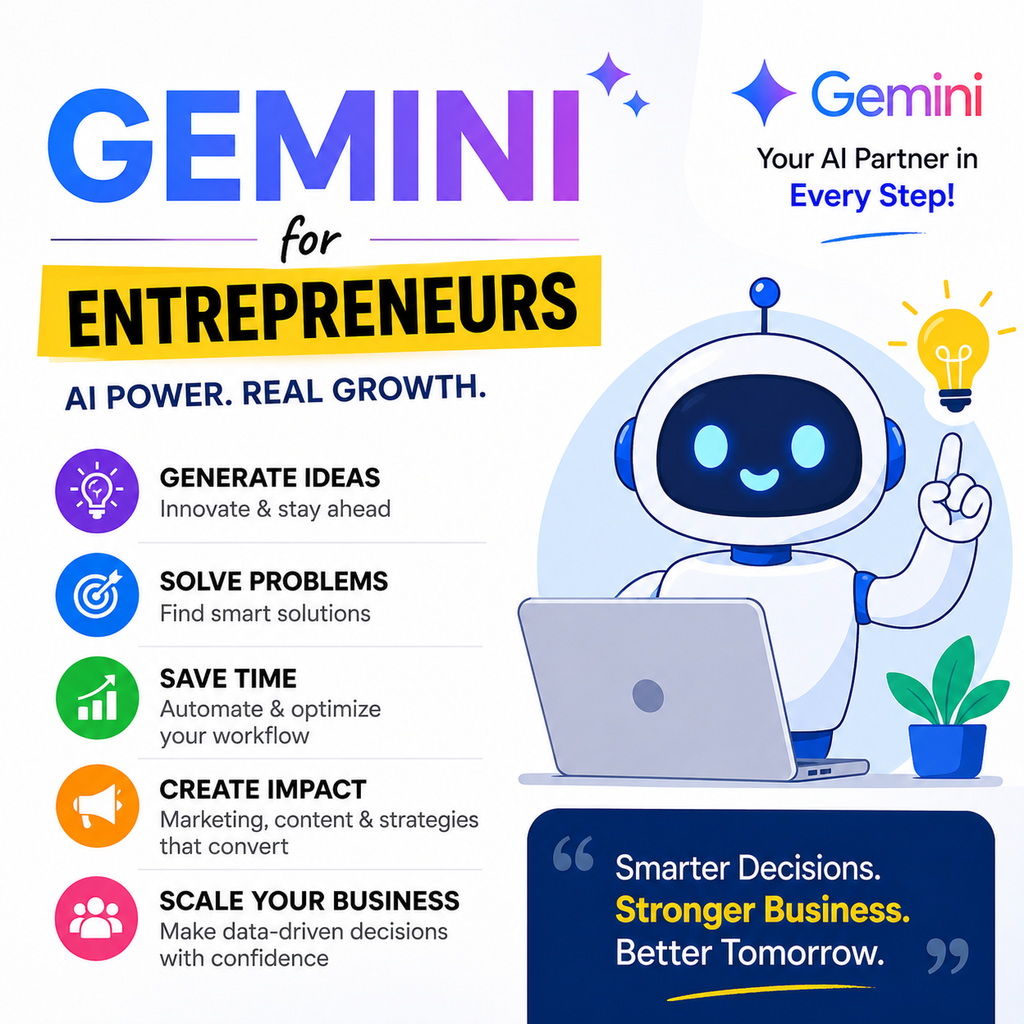
Get business recommended by Gemini by using Google Gemini to explore business ideas, identify market opportunities, and discover potential ventures based on your skills, interests, budget, and target audience. Entrepreneurs can ask Gemini to suggest business ideas, compare industries, analyze customer needs, identify market gaps, and develop practical business plans. For SEO, Gemini can help research relevant keywords, understand search intent, and discover content opportunities that support business visibility. GEO and AEO strategies can further improve how business-related content is understood by AI-powered search and answer engines by providing clear explanations, useful examples, direct answers, and relevant FAQs. While Gemini can provide valuable recommendations and research support, entrepreneurs should validate demand, competition, costs, and profitability before making business decisions. By combining AI-generated ideas with market research and human judgment, you can get business recommended by Gemini and turn promising concepts into actionable business opportunities.
What Is Gemini for Entrepreneurs?
Gemini for Entrepreneurs refers to using Google’s AI tools to support common entrepreneurial activities such as market research, content creation, customer communication, sales preparation, business planning, and productivity.
Instead of starting every task from scratch, entrepreneurs can give Gemini a detailed prompt and use its response as a starting point. Gemini can help brainstorm ideas, summarize information, draft emails, create content, analyze information, and develop business documents.
For businesses using Google Workspace, Gemini can work alongside tools such as Gmail, Docs, Sheets, and Meet. Google also provides AI capabilities for marketing, sales, customer service, HR, and project management.
Why Should Entrepreneurs Use Gemini?
Running a business involves many repetitive tasks. AI can reduce the time spent on these activities and give entrepreneurs more time to focus on strategy, customers, and growth.
1. Save Time on Repetitive Tasks
Entrepreneurs can use Gemini to draft emails, summarize information, create documents, organize ideas, and prepare business materials.
For example, instead of spending 30 minutes writing a customer email, you can provide Gemini with the customer’s situation and ask it to create a professional response.
2. Generate Business Ideas
Gemini can help entrepreneurs brainstorm:
- Startup ideas
- Product ideas
- Business names
- Marketing campaigns
- Content topics
- Service packages
- New revenue streams
- Customer offers
The quality of the response improves when you provide information about your target audience, industry, location, budget, and business goals.
3. Conduct Market Research
Entrepreneurs can use AI to organize research questions, identify trends, compare competitors, and summarize information.
For more advanced business workflows, Google’s current business AI offerings can connect to company data and provide research and analysis capabilities.
However, important business decisions should not rely solely on AI-generated information. Always verify critical facts, numbers, regulations, and market data.
How to Use Gemini for Business Growth
Gemini can support different stages of building and growing a business.
4. Create a Business Plan
Gemini can help structure a business plan covering:
- Business overview
- Target customers
- Products and services
- Competitor analysis
- Marketing strategy
- Sales strategy
- Operations
- Revenue model
- Risks
- Growth opportunities
Example prompt:
“Create a practical business plan for a small online business selling eco-friendly home products. My target customers are environmentally conscious consumers aged 25–45. Include the business model, customer segments, marketing strategy, pricing approach, sales channels, startup costs, risks, and a 12-month growth plan.”
5. Develop Customer Personas
Understanding your ideal customer is essential for effective marketing.
Ask Gemini to create customer personas based on your audience’s demographics, needs, problems, buying behavior, objections, and motivations.
This information can then be used to create better website copy, advertisements, emails, and social media content.
6. Create Marketing Content
Content creation is one of the most practical applications of Gemini for entrepreneurs.
You can use it to generate ideas and drafts for:
- Blog posts
- Social media captions
- Email newsletters
- Product descriptions
- Landing pages
- Ad copy
- Video scripts
- Promotional campaigns
Google specifically highlights Gemini’s ability to help businesses create campaign briefs, project plans, presentations, and marketing content.
7. Write Better Sales Emails
Sales outreach can consume a significant amount of time.
Gemini can help entrepreneurs create personalized sales emails based on a prospect’s industry, role, business problem, and potential solution.
Example prompt:
“Write a short B2B sales email for a digital marketing agency targeting local restaurants. Focus on improving Google visibility and generating more website leads. Keep the tone professional, personalized, and non-pushy.”
8. Prepare Sales Presentations
Entrepreneurs can use Gemini to develop presentation structures, sales pitches, proposal outlines, and talking points.
You can provide your product information and target customer details and ask Gemini to create a presentation structure that focuses on customer problems, benefits, proof, pricing, and the next step.
Gemini for Marketing and Social Media
Social media is important for many modern businesses, but maintaining a consistent publishing schedule can be difficult.
Gemini can help entrepreneurs build a content calendar and develop ideas for different platforms.
9. Create a Social Media Content Calendar
Ask Gemini to create a 30-day content calendar containing:
- Post topics
- Captions
- Content formats
- Calls to action
- Hashtag ideas
- Video concepts
- Promotional posts
You can also tell Gemini to adapt the content for specific platforms.
10. Create Ad Copy
Gemini can generate multiple versions of advertising copy so you can test different headlines, hooks, benefits, and calls to action.
For better results, provide:
- Target audience
- Product or service
- Main benefit
- Customer pain point
- Offer
- Brand voice
- Advertising platform
This gives Gemini enough context to produce more relevant copy.
Gemini for Customer Service
Customer communication is another area where entrepreneurs can use AI.
Gemini can help draft personalized responses to customer questions and feedback. Google also highlights customer service use cases such as creating personalized replies based on business knowledge.
11. Respond to Customer Questions
Entrepreneurs can use Gemini to create helpful responses to common questions about:
- Pricing
- Products
- Services
- Delivery
- Returns
- Appointments
- Features
- Availability
The final response should always be checked before sending, especially when it contains pricing, policies, or commitments.
12. Analyze Customer Feedback
Customer reviews can reveal valuable information about what customers like and dislike.
Gemini can help summarize recurring themes and organize feedback into categories such as product quality, pricing, service, delivery, and customer experience.
Google currently supports connecting eligible Business Profiles with Gemini so users can review customer feedback, draft replies, create posts, and access business insights. Availability depends on account and region requirements.
Gemini for Business Productivity
Entrepreneurs often switch between emails, documents, spreadsheets, meetings, and planning tools throughout the day.
13. Manage Emails More Efficiently
Gemini can help summarize email threads, identify important details, and draft professional replies inside Gmail when the relevant Workspace capabilities are available.
This can be particularly useful when you receive long customer, supplier, or business-partner conversations.
14. Analyze Business Data
Entrepreneurs can use AI to help interpret spreadsheets and business information.
For example, you can ask Gemini to help identify:
- Best-selling products
- Revenue patterns
- Low-performing products
- Customer trends
- Sales opportunities
- Inventory issues
AI-generated analysis should be treated as decision support rather than a replacement for checking your underlying data.
15. Create Meeting Summaries
For entrepreneurs who attend frequent meetings, AI can help capture notes and turn discussions into actionable information.
Google Workspace includes Gemini features for meetings, including AI note-taking and other meeting assistance.
After a meeting, you can ask Gemini to organize notes into:
- Key decisions
- Action items
- Responsible team members
- Deadlines
- Follow-up questions
Best Gemini Prompts for Entrepreneurs
The quality of your output depends heavily on the quality of your prompt.
Here are useful prompts entrepreneurs can adapt.
Business Strategy Prompt
“Act as a business strategist. Analyze my business idea for [business type]. My target customer is [customer]. My budget is [budget]. Identify the biggest opportunities, challenges, competitors, revenue options, and three practical strategies for gaining my first 100 customers.”
Marketing Prompt
“Create a 30-day marketing plan for my [product/service]. My target audience is [audience]. My primary goal is [goal]. Include content ideas, promotional activities, social media posts, email campaigns, and measurable KPIs.”
Competitor Research Prompt
“Help me create a competitor research framework for [industry]. Identify the factors I should compare, including pricing, positioning, target audience, products, customer experience, marketing channels, strengths, weaknesses, and opportunities.”
Customer Persona Prompt
“Create three detailed customer personas for my [business]. Include their goals, problems, buying motivations, objections, preferred communication channels, and reasons they might choose or reject my product.”
Content Strategy Prompt
“Create a 60-day content strategy for my business. Focus on educational, problem-solving, trust-building, and conversion-focused content. Include blog topics, social media ideas, video topics, keywords, and calls to action.”
How to Write Better Gemini Prompts
A simple prompt can produce a basic answer. A detailed prompt can produce a much more useful business output.
Try including five important elements:
1. Give Gemini a Role
Tell it what type of expert you want it to act as.
Example: “Act as a startup marketing consultant.”
2. Provide Context
Explain your business, audience, product, market, and current situation.
3. Define the Goal
Clearly state what you want to achieve.
4. Specify the Format
Tell Gemini whether you want a table, checklist, strategy, email, report, calendar, or step-by-step plan.
5. Add Constraints
Include your budget, word count, tone, target market, platform, deadline, or other requirements.
A useful prompt structure is:
Role + Context + Goal + Format + Constraints
Google’s business AI guidance similarly recommends giving Gemini specific and contextual information when creating prompts.
Is Gemini Good for Small Businesses?
Yes. Gemini can be particularly useful for small businesses because entrepreneurs often need to handle multiple roles with limited resources.
It can assist with marketing, sales, research, customer communication, planning, administration, and productivity.
Google’s current Workspace AI offerings are designed for businesses of different sizes, while its Gemini Enterprise Business edition is specifically positioned for small businesses and teams.
The key is to use Gemini as an assistant rather than handing over complete decision-making authority.
What Are the Limitations of Gemini for Entrepreneurs?
Although AI can be extremely useful, entrepreneurs should understand its limitations.
Accuracy
AI-generated information can contain errors. Verify important business facts before using them.
Human Judgment
Business strategy requires experience, market knowledge, and judgment. Gemini can provide ideas, but the entrepreneur should make the final decision.
Brand Voice
AI-generated content may sound generic if you do not provide examples of your brand’s tone and style.
Confidential Information
Before uploading sensitive business information, understand the privacy and data controls associated with the Gemini product and account you are using. Google states that its business Workspace offerings provide data controls and that customer data is not used to train models or for advertising in those business contexts.
Gemini for Entrepreneurs vs Traditional Business Tools
Traditional software remains important, but AI can make many existing workflows easier to operate.
Instead of replacing every business tool, entrepreneurs can use Gemini alongside tools such as Gmail, Google Docs, Google Sheets, Google Meet, CRM platforms, analytics software, and project management systems.
The biggest advantage is the ability to interact with information using natural language and quickly turn ideas into drafts, summaries, plans, and analyses.
How Entrepreneurs Can Start Using Gemini Today
You do not need to automate your entire business immediately.
Start with one repetitive task.
For example:
- Choose a task that takes significant time.
- Create a detailed Gemini prompt for that task.
- Review the output carefully.
- Improve the prompt based on the results.
- Turn the process into a repeatable workflow.
- Measure whether it actually saves time or improves results.
Once you find a workflow that works consistently, expand Gemini into other areas of your business.
Frequently Asked Questions About Gemini for Entrepreneurs
What can Gemini do for entrepreneurs?
Gemini can help entrepreneurs brainstorm ideas, research topics, create content, draft emails, analyze information, develop business plans, prepare presentations, summarize meetings, and support marketing and customer service workflows.
Can Gemini help me start a business?
Yes. Gemini can help with brainstorming business ideas, identifying customer segments, creating business-plan outlines, developing marketing strategies, preparing content, and organizing research. However, entrepreneurs should independently validate market demand, costs, legal requirements, and financial assumptions.
Is Gemini useful for small businesses?
Yes. Small businesses can use Gemini for content creation, email communication, customer support, research, marketing, planning, and productivity. Google provides Gemini capabilities across Workspace and dedicated business AI offerings.
Can Gemini create marketing content?
Yes. Gemini can help create blog ideas, social media content, email campaigns, ad copy, campaign briefs, presentations, and other marketing materials.
Can Gemini analyze business data?
Yes. Gemini can assist with analyzing business information and generating insights, depending on the product and connected data sources available to your account.
What is the best way to use Gemini as an entrepreneur?
Start with repetitive tasks that have clear inputs and outputs. Give Gemini detailed context, specify the desired result, review the response, and refine your prompts over time.
Final Thoughts
Gemini for Entrepreneurs can become a practical AI assistant for everyday business work. From developing ideas and researching markets to creating marketing content, writing sales emails, analyzing information, and organizing workflows, Gemini can help entrepreneurs accomplish more with limited time and resources.
The most effective approach is not to use AI for everything. Instead, identify the tasks where Gemini can save time, improve consistency, or help you generate better ideas.
When combined with human judgment, accurate business data, and a clear strategy, Gemini can become a valuable tool for entrepreneurs looking to work smarter and grow their businesses.