Top AI Tools for Work, Content and Business
Artificial intelligence has become an essential part of how people work, create, research and run businesses. From writing content and generating images to coding websites and automating repetitive tasks, AI tools can help users save time and improve productivity. However, there is no single AI tool that is best for every task.
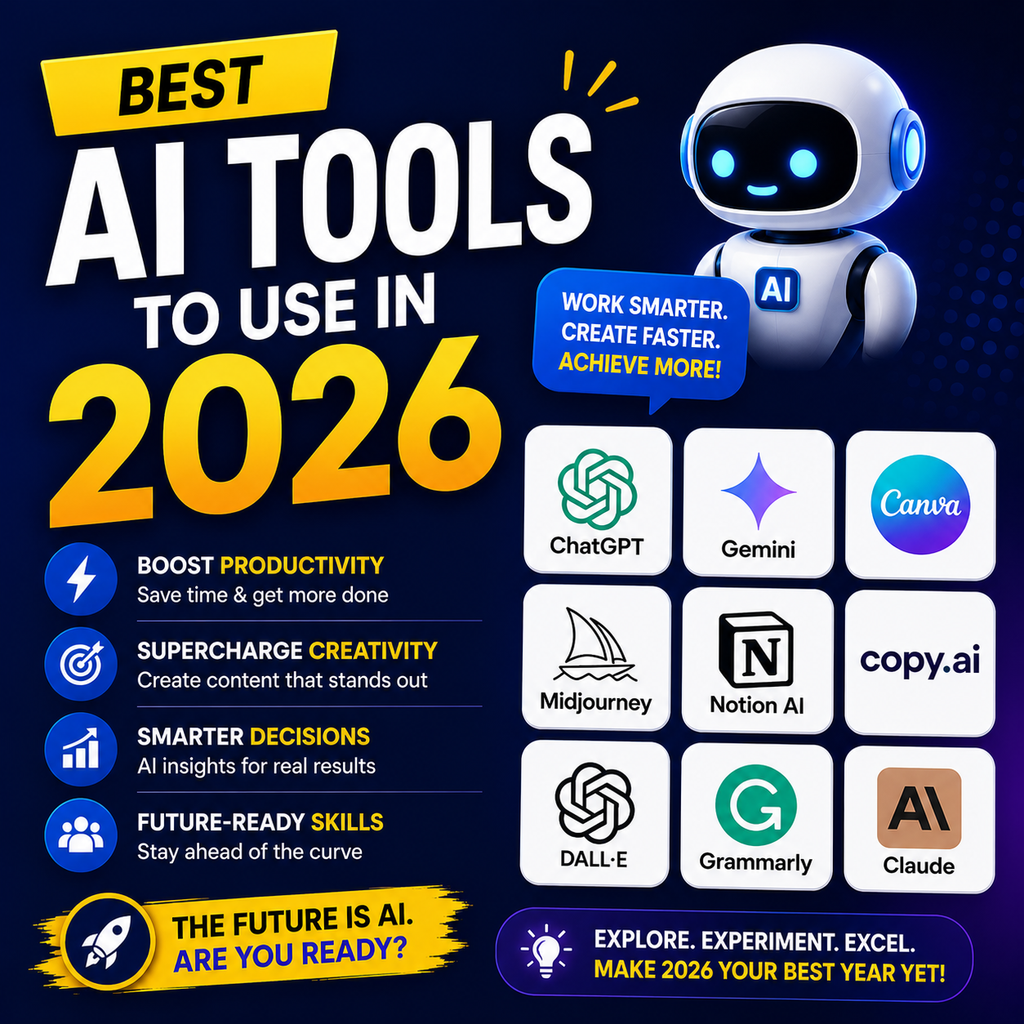
The best AI tools to use in 2026 depend on what you want to achieve. ChatGPT is a strong all-round option, Claude is widely used for writing and complex analysis, Gemini fits naturally into Google’s ecosystem, and Perplexity is particularly useful for research with sources. Specialized tools also remain important for coding, design, automation and project management. This guide covers some of the best AI tools in 2026 and explains which tool may be suitable for different types of users.
What Are the Best AI Tools to Use in 2026?
The best AI tools in 2026 include:
- ChatGPT for general productivity and everyday AI tasks
- Claude for writing, analysis and coding
- Google Gemini for Google Workspace and multimodal tasks
- Perplexity for AI-powered research
- Cursor for AI-assisted coding
- GitHub Copilot for software development
- Midjourney for AI image generation
- Canva AI for social media and visual content
- Notion AI for productivity and knowledge management
- Grammarly for AI-assisted writing
- Zapier for workflow automation
- n8n for flexible AI automation
The smartest approach is not to subscribe to every AI tool. Instead, choose a small AI stack based on your specific workflow.
How We Selected the Best AI Tools for 2026
Ease of Use
A useful AI tool should be easy for beginners and professionals to understand. Complex technology is not helpful if users cannot integrate it into their daily work.
Quality of Results
The tools on this list are selected based on their practical strengths, including writing, research, coding, design, automation and productivity.
Real-World Applications
We focused on tools that can help students, freelancers, marketers, business owners, developers and content creators.
Integration and Workflow Support
The best AI tools work well with existing software and help users complete real tasks rather than simply generating text.
ChatGPT: Best AI Tool for Overall Productivity
ChatGPT is one of the most versatile AI tools for general-purpose work. It can help users brainstorm ideas, write content, analyze information, work with files, create structured documents and support many everyday productivity tasks. Current comparisons continue to position ChatGPT as a leading all-round AI workspace.
Best Uses for ChatGPT
ChatGPT can be useful for:
- Content writing
- Brainstorming
- Marketing ideas
- Email drafting
- Data analysis
- Learning and explanations
- Document creation
- Business planning
- Social media content
Who Should Use ChatGPT?
ChatGPT is a strong option for freelancers, students, marketers, entrepreneurs and professionals who want one flexible AI assistant for multiple tasks.
Claude: Best AI Tool for Writing and Deep Analysis
Claude is a popular AI assistant for users who work with detailed writing, long documents, structured reasoning and coding tasks. It is frequently recommended for workflows that require careful analysis and high-quality long-form output.
Best Uses for Claude
Claude can be helpful for:
- Long-form articles
- Content editing
- Document analysis
- Research synthesis
- Coding assistance
- Business strategy
- Complex problem-solving
Who Should Use Claude?
Writers, researchers, developers and professionals working with large amounts of information may find Claude particularly useful.
Google Gemini: Best for Google Workspace Users
Google Gemini is a strong choice for users who already work with Google’s ecosystem. Its integration with services such as Gmail, Docs, Drive and other Google products can make AI assistance more convenient for everyday work.
Best Uses for Gemini
Gemini can support:
- Google Workspace productivity
- Research
- Content creation
- File analysis
- Multimodal tasks
- Everyday AI assistance
Who Should Use Gemini?
Gemini is particularly useful for students, professionals and businesses that already depend heavily on Google tools.
Perplexity: Best AI Tool for Research
Perplexity focuses strongly on AI-powered search and research. It is especially useful when users need to explore current information and review sources while researching a topic.
Best Uses for Perplexity
Perplexity can help with:
- Market research
- Competitor research
- Content research
- Academic research
- Fact-checking
- Finding sources
- Industry research
Who Should Use Perplexity?
Digital marketers, researchers, journalists, students and business owners can benefit from using Perplexity as part of their research workflow.
Important: Always review the original sources before publishing important information.
Cursor: Best AI Tool for Coding
Cursor is designed for developers who want AI integrated into their coding workflow. It is commonly included among leading AI coding tools for software development.
Best Uses for Cursor
Cursor can help developers with:
- Writing code
- Debugging
- Understanding codebases
- Refactoring code
- Building applications
- Improving development speed
Who Should Use Cursor?
Professional developers and learners who write code regularly may find Cursor valuable.
GitHub Copilot: Best AI Assistant for Developers
GitHub Copilot provides AI assistance within popular development environments and can support programmers while they write and review code.
Best Uses for GitHub Copilot
It can help with:
- Code suggestions
- Programming assistance
- Code completion
- Learning programming concepts
- Improving development workflows
Who Should Use GitHub Copilot?
Developers who already work inside supported coding environments may find it convenient to use.
Canva AI: Best AI Tool for Social Media Design
Canva AI can help creators and marketers speed up visual content creation. It is useful for creating social media graphics, presentations and marketing materials.
Best Uses for Canva AI
You can use Canva AI for:
- Instagram posts
- Facebook graphics
- Presentations
- Marketing creatives
- Thumbnails
- Business designs
- Basic visual content
Who Should Use Canva AI?
Social media managers, digital marketers, small businesses and beginners can use Canva AI to improve their design workflow.
Midjourney: Best AI Tool for High-Quality Images
Midjourney is widely recognized as a powerful AI image-generation platform for creating creative and visually detailed images.
Best Uses for Midjourney
Midjourney can be useful for:
- Creative artwork
- Concept images
- Marketing visuals
- Blog graphics
- Advertising concepts
- Social media visuals
Who Should Use Midjourney?
Designers, content creators and businesses that need original visual concepts may find it useful.
Notion AI: Best for Productivity and Knowledge Management
Notion AI can support teams and individuals who organize notes, documents, projects and internal knowledge in Notion.
Best Uses for Notion AI
Notion AI can help with:
- Summarizing notes
- Creating documents
- Organizing information
- Brainstorming ideas
- Managing knowledge
- Improving team productivity
Who Should Use Notion AI?
Teams and individuals already using Notion can benefit the most from its AI features.
Grammarly: Best AI Tool for Writing Improvement
Grammarly helps users improve grammar, clarity and writing quality. Its AI features can also support rewriting and refining professional content.
Best Uses for Grammarly
Grammarly can help improve:
- Emails
- Blog posts
- Business documents
- Social media content
- Professional communication
Who Should Use Grammarly?
Students, professionals, writers and business owners who write frequently can use Grammarly as an editing assistant.
Zapier: Best for Easy AI Automation
Zapier helps users connect applications and automate repetitive workflows. It can be useful for businesses that want to reduce manual work without building every automation from scratch.
Best Uses for Zapier
Zapier can automate tasks such as:
- Lead management
- Email workflows
- CRM updates
- Data transfers
- Marketing processes
- Business notifications
Who Should Use Zapier?
Marketers, entrepreneurs and non-technical business users may find Zapier useful for workflow automation.
n8n: Best for Flexible AI Automation
n8n is a popular option for users who want more flexibility and control over automation workflows. It is often recommended for advanced automation and self-hosted workflows.
Best Uses for n8n
n8n can support:
- AI agents
- Workflow automation
- API connections
- Data processing
- Custom business workflows
Who Should Use n8n?
Developers, automation specialists and businesses with more technical requirements may prefer n8n.
Best AI Tools in 2026 by Category
| Category | Recommended AI Tool |
|---|---|
| Overall Productivity | ChatGPT |
| Writing and Analysis | Claude |
| Google Ecosystem | Gemini |
| Research | Perplexity |
| AI Coding | Cursor |
| Developer Assistance | GitHub Copilot |
| Social Media Design | Canva AI |
| AI Image Generation | Midjourney |
| Productivity | Notion AI |
| Writing Improvement | Grammarly |
| Easy Automation | Zapier |
| Advanced Automation | n8n |
The right tool depends on your workflow, budget, integrations and the type of work you need to complete.
Best AI Tools for Digital Marketers
Digital marketers can combine multiple AI tools instead of relying on only one platform.
Recommended AI Stack for Digital Marketing
A practical AI stack may include:
- ChatGPT for content ideas and marketing workflows
- Claude for long-form content and analysis
- Perplexity for research
- Canva AI for visual content
- Grammarly for editing
- Zapier or n8n for automation
This combination can support content creation, SEO research, social media management and workflow automation.
Best AI Tools for Content Creators
Content creators need tools that support multiple stages of content production.
Recommended AI Stack for Creators
Consider using:
- ChatGPT for ideas and scripts
- Claude for detailed writing
- Perplexity for research
- Canva AI for designs
- Midjourney for creative images
Using specialized tools for different stages can produce better results than expecting one AI platform to handle every task perfectly.
Best AI Tools for Small Businesses
Small businesses should focus on tools that save time and support real business operations.
Recommended AI Stack for Small Businesses
A useful combination could include:
- ChatGPT for everyday tasks
- Gemini for Google-based workflows
- Canva AI for marketing designs
- Zapier for automation
- Grammarly for professional communication
Start with free plans whenever possible and upgrade only when the tool provides measurable value.
How to Choose the Best AI Tool for Your Needs
Before choosing an AI tool, ask yourself a few questions.
What Problem Do You Want to Solve?
Choose the tool based on the task.
For example:
- Need research? Try Perplexity.
- Need general assistance? Consider ChatGPT.
- Need long-form writing? Claude may be useful.
- Need Google integration? Consider Gemini.
- Need coding support? Look at Cursor or GitHub Copilot.
- Need automation? Explore Zapier or n8n.
Do You Need a Free AI Tool?
Many major AI platforms offer free access with limitations. Before purchasing a subscription, test whether the free version can handle your regular workload.
Features, usage limits and pricing can change frequently, so always check the official provider website before making a purchase.
Does the Tool Integrate With Your Existing Workflow?
The best AI tool is often the one that works with the software you already use.
For example, a Google Workspace user may prefer Gemini, while a developer may prefer an AI assistant integrated into their coding environment.
Why Using Multiple AI Tools Can Be Better Than Using One
One of the biggest mistakes users make is trying to find one AI tool that does everything.
In reality, different tools have different strengths.
A simple workflow might look like this:
- Research a topic with Perplexity.
- Analyze and organize ideas with ChatGPT or Claude.
- Create visuals with Canva AI or Midjourney.
- Automate repetitive processes with Zapier or n8n.
A small, well-selected AI stack can be more useful than paying for many tools you rarely use.
Are AI Tools Worth Using in 2026?
Yes, AI tools can be valuable when they are used for the right tasks.
They can help reduce repetitive work, speed up research, improve content workflows and support creative or technical projects. However, AI output should still be reviewed by humans, especially when accuracy, legal requirements, financial decisions or brand reputation are important.
AI works best as an assistant rather than a replacement for human judgment.
Frequently Asked Questions About the Best AI Tools in 2026
What is the best AI tool to use in 2026?
There is no single best AI tool for everyone. ChatGPT is a strong all-round option, Claude is useful for writing and analysis, Gemini works well for Google-based workflows, and Perplexity is a popular choice for research with sources.
Which AI tool is best for students?
Students can use ChatGPT and Gemini for explanations, learning and productivity, while Perplexity can help with research. Students should always verify information and follow their school’s academic policies.
Which AI tool is best for content writing?
Claude and ChatGPT are popular options for content creation. Grammarly can also help improve grammar and clarity. The best choice depends on your content workflow and editing requirements.
Which AI tool is best for research?
Perplexity is a strong option when you need current information with visible sources. However, users should still review and verify the original sources.
Which AI tool is best for coding?
Cursor and GitHub Copilot are widely used AI coding tools. Claude and ChatGPT can also assist with programming tasks and problem-solving.
Are free AI tools enough?
For many beginners, free AI tools are enough to learn and complete everyday tasks. Paid plans may become useful when you need higher limits, advanced features or professional-scale workflows.
Final Thoughts: Which AI Tools Should You Use in 2026?
The best AI tools to use in 2026 depend on your goals.
For a flexible AI assistant that handles a wide range of tasks, ChatGPT is a strong starting point. Users focused on detailed writing, document analysis and complex tasks may prefer Claude. Meanwhile, people who regularly use Google Workspace may find Gemini a more convenient choice. For research with sources, Perplexity is worth considering.
For specialized tasks, use tools such as Cursor for coding, Canva AI for design, Midjourney for image creation and Zapier or n8n for automation.
The best strategy is simple: choose one general AI assistant and add one or two specialized tools based on your work.
AI is evolving quickly, so focus less on chasing every new platform and more on learning how to use a small number of powerful tools effectively.