Claude for Customer Support
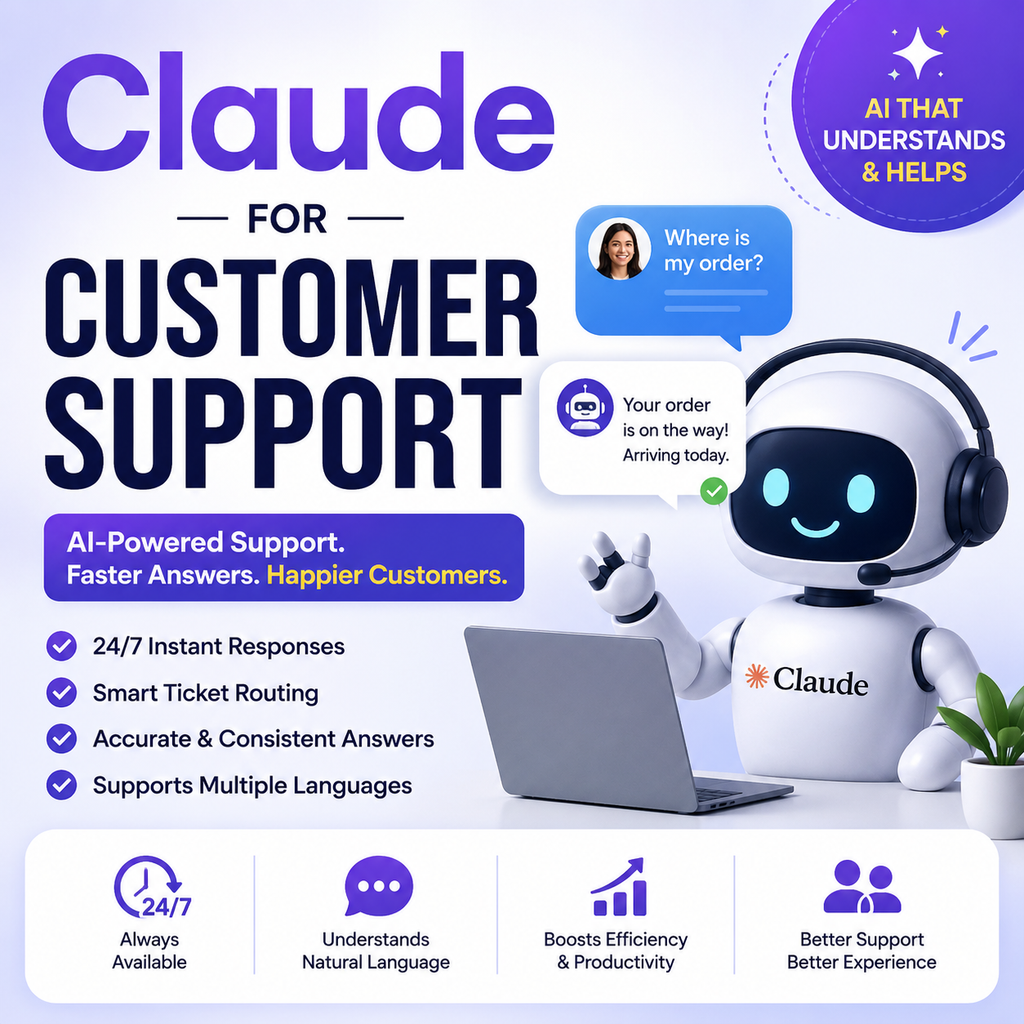
Customer expectations are higher than ever. People want fast answers, personalized assistance, and support whenever they need it. However, managing a growing number of customer queries can be challenging for businesses. This is where Claude for customer support can help. Claude, developed by Anthropic, can support customer service teams by helping them understand customer questions, categorize support tickets, generate responses, summarize conversations, and assist with complex workflows. Businesses can also build AI-powered support agents using Claude and connect them with their internal knowledge and tools. In this guide, we’ll explore how Claude can be used for customer support, its benefits, practical use cases, and how businesses can implement it effectively.
What Is Claude for Customer Support?
Claude for customer support refers to using Claude AI to automate or assist with customer service tasks.
Instead of making customers wait for every simple question to reach a human agent, an AI-powered support system can help handle common requests and guide customers toward relevant information.
Claude can be used to support tasks such as:
- Answering frequently asked questions
- Categorizing customer support tickets
- Drafting customer responses
- Summarizing long conversations
- Routing queries to the right team
- Searching internal knowledge bases
- Collecting information before an escalation
- Assisting human support agents
Anthropic provides guidance and tools for building customer support agents that can answer questions, stay focused on relevant topics, and take actions through connected tools when appropriate.
How Does Claude Work in Customer Support?
Claude can act as an intelligent layer between a customer’s question and a company’s support resources.
A typical workflow may look like this:
Step 1: A Customer Submits a Question
The customer contacts the business through a website chatbot, support platform, email workflow, or another connected channel.
For example:
“My order hasn’t arrived yet. Can you check its status?”
Step 2: Claude Understands the Request
Claude analyzes the message and identifies the customer’s intent.
It may determine whether the request relates to:
- Order tracking
- Billing
- Refunds
- Technical problems
- Product information
- Account access
Step 3: Claude Searches Available Information
The AI can be connected to relevant business information, such as:
- Knowledge bases
- Product documentation
- Support policies
- CRM systems
- Order management tools
- Internal databases
For accurate answers, businesses should ensure the AI has access to appropriate and up-to-date information.
Step 4: Claude Generates a Response
Claude can create a response based on the available context and the company’s preferred tone.
For example:
“I can help you check your order status. Please share your order number, and I’ll look into the latest update.”
Step 5: Complex Issues Are Escalated
Not every customer problem should be handled entirely by AI.
Complex, sensitive, or high-risk issues can be routed to a human support agent with relevant conversation context.
Anthropic’s customer support guidance emphasizes defining tasks, success criteria, and escalation processes when building an AI support experience.
Why Use Claude for Customer Support?
AI can help support teams manage repetitive tasks while allowing human agents to focus on situations that require judgment, empathy, or specialized expertise.
Here are some of the biggest potential benefits.
Faster Customer Responses
Customers often expect quick answers.
Claude can help generate responses to common questions without requiring an agent to manually write every reply.
This can be useful for questions such as:
- Where is my order?
- How do I reset my password?
- What is your refund policy?
- How does this feature work?
- Which plan is right for me?
24/7 Support Availability
Businesses may receive customer questions outside regular working hours.
An AI-powered support system can provide basic assistance at any time, depending on how the business implements and deploys it.
This can improve the customer experience by reducing the need to wait for the next available support shift.
More Consistent Responses
Human agents may explain the same policy in different ways.
Claude can be guided with instructions, company policies, and brand voice requirements to help create more consistent responses.
Consistency is especially important for businesses with large support teams or customers across multiple locations.
Support for Multiple Languages
Global businesses often communicate with customers who speak different languages.
Claude can help businesses create multilingual support experiences and generate responses for customers across different regions. Anthropic highlights personalized responses across languages and channels as a customer support use case.
Key Use Cases of Claude for Customer Support
Claude can support many different parts of the customer service workflow.
1. Answering Frequently Asked Questions
One of the simplest uses of Claude is answering common customer questions.
For example:
Customer: What are your shipping charges?
Claude: Our shipping charges depend on your location and order value. You can find the latest shipping information on our shipping policy page.
The response should be based on verified business information rather than assumptions.
2. Customer Support Ticket Classification
Support teams often receive hundreds or thousands of tickets.
Claude can help categorize incoming requests into groups such as:
- Billing
- Technical issues
- Account problems
- Refund requests
- Product questions
- Shipping issues
This can make ticket routing more efficient.
Anthropic provides customer support examples for classifying tickets into relevant categories.
3. Drafting Customer Responses
Support agents can use Claude as a writing assistant.
Instead of starting every response from scratch, an agent can provide the customer context and ask Claude to create a professional draft.
For example:
Prompt:
“Write a polite response to a customer whose delivery is delayed by three days. Apologize for the inconvenience and explain the next steps.”
The support agent can then review and edit the response before sending it.
4. Summarizing Long Customer Conversations
Long conversations can be difficult for support agents to review.
Claude can help summarize:
- The customer’s problem
- Previous troubleshooting steps
- Important account details
- Actions already taken
- The next recommended step
This can reduce the time agents spend reading lengthy conversation histories.
5. Intelligent Conversation Routing
Not every question should go to the same team.
Claude can help identify the nature of a request and route it to the appropriate department, such as:
- Sales
- Billing
- Technical support
- Product team
- Account management
Anthropic specifically identifies intelligent conversation routing as a customer support use case.
6. Creating Knowledge Base Content
Customer support teams repeatedly solve similar problems.
Claude can help transform resolved issues into useful knowledge base content.
For example, after resolving several questions about account verification, a team could use AI assistance to draft:
- A help center article
- A troubleshooting guide
- Frequently asked questions
- Step-by-step instructions
Anthropic also offers a customer support workflow focused on triaging tickets, drafting responses, escalating issues, and turning resolved cases into knowledge base content.
How to Use Claude as a Customer Support Agent
Building a reliable AI support agent requires more than simply adding a chatbot to a website.
Businesses should follow a structured process.
Define the Customer Support Tasks
First, identify exactly what the AI should do.
For example:
- Answer product questions
- Help customers reset passwords
- Check order information
- Collect details for support requests
- Route technical problems
- Escalate sensitive issues
Breaking customer support into individual tasks makes the system easier to test and improve.
Prepare Your Knowledge Base
An AI support agent needs reliable information.
Consider organizing:
- FAQs
- Product documentation
- Company policies
- Troubleshooting guides
- Pricing information
- Shipping information
- Refund policies
Keep this information accurate and regularly updated.
Create Clear Instructions
The AI should understand its role.
For example:
You are a helpful customer support assistant for [Company Name]. Answer questions using the approved company knowledge base. If information is unavailable, do not guess. Ask for clarification or escalate the issue to a human agent.
Clear instructions can help improve consistency and reduce incorrect responses.
Connect Relevant Tools
Depending on the use case, Claude can be connected with business tools and systems.
Possible integrations include:
- CRM platforms
- Support ticketing software
- Order management systems
- Knowledge bases
- Internal databases
Tool integrations can allow an AI agent to perform actions or retrieve information instead of only generating general text.
Set Human Escalation Rules
AI should not handle every situation independently.
Create clear escalation rules for issues involving:
- Payment disputes
- Refund decisions
- Legal concerns
- Sensitive customer information
- Security issues
- Complex technical problems
- Situations requiring human judgment
A strong AI support strategy combines automation with human expertise.
Claude for Customer Support: Example Workflow
Let’s look at a simple example.
Customer Query
“My subscription was charged twice this month.”
AI Response Process
1: Identify the issue as billing.
2: Check whether the connected system contains relevant billing information.
3: Collect any missing information.
4: Provide approved troubleshooting steps.
5: Escalate the issue if a refund or account adjustment requires human authorization.
Possible Response
“Sorry for the inconvenience. I can help you look into the duplicate charge. Please share the email address associated with your account and the dates of the two charges. If the issue requires a billing adjustment, I’ll make sure it is passed to the appropriate team.”
This approach helps create a structured and customer-friendly experience.
Best Practices for Using Claude in Customer Service
To get better results, businesses should follow a few important practices.
Do Not Let AI Guess
An AI system should not invent policies, prices, delivery dates, or account information.
If the required information is unavailable, the system should ask for clarification or escalate the request.
Keep Business Information Updated
Outdated information can lead to poor customer experiences.
Regularly review:
- Product information
- Pricing
- Policies
- Documentation
- Troubleshooting instructions
Protect Customer Data
Customer support often involves sensitive information.
Businesses should carefully design their systems to handle personal and confidential data appropriately and follow applicable privacy and security requirements.
Review AI Performance
Monitor how the system performs over time.
Useful metrics may include:
- Customer satisfaction
- Resolution rate
- Escalation rate
- Average response time
- Average handling time
- Response accuracy
Anthropic’s implementation guidance recommends establishing measurable success criteria for both support quality and business impact.
Claude vs Traditional Customer Support Chatbots
Traditional chatbots often rely heavily on predefined rules and decision trees.
Claude-based support systems can potentially handle more flexible conversations and understand questions that are phrased in different ways.
| Traditional Chatbot | Claude-Powered Support |
|---|---|
| Rule-based responses | Context-aware conversations |
| Limited flexibility | Can handle varied questions |
| Fixed conversation flows | More adaptive interactions |
| Difficult to manage complex language | Can understand nuanced requests |
| Often requires exact keywords | Can interpret natural language |
However, AI-powered systems still require careful testing, accurate data, clear instructions, and human oversight.
Who Should Use Claude for Customer Support?
Claude can be useful for many types of organizations, including:
E-commerce Businesses
Use AI to help with:
- Order questions
- Product information
- Shipping queries
- Return policies
SaaS Companies
Use Claude to assist with:
- Technical support
- Feature questions
- Account issues
- Product documentation
Digital Agencies
Agencies can use AI to help organize incoming client questions and draft responses.
Large Customer Support Teams
Teams handling high ticket volumes may use AI to help with:
- Ticket classification
- Conversation summaries
- Response drafts
- Knowledge retrieval
Frequently Asked Questions About Claude for Customer Support
Can Claude be used for customer support?
Yes. Claude can be used to build or assist AI-powered customer support workflows, including answering questions, classifying tickets, drafting responses, retrieving information, and supporting escalations.
Can Claude replace human customer support agents?
Claude can automate certain repetitive tasks, but human agents remain important for complex, sensitive, and high-stakes situations.
For many businesses, the best approach is to use AI to support human teams rather than completely replacing them.
Can Claude help categorize support tickets?
Yes. Claude can be instructed to analyze incoming support tickets and assign them to predefined categories.
Can Claude provide multilingual customer support?
Claude can help create support responses in multiple languages, making it useful for businesses serving international audiences.
What information does Claude need to provide accurate support?
A customer support system should have access to relevant and accurate business information, such as FAQs, documentation, policies, and approved knowledge sources.
Final Thoughts: Is Claude Good for Customer Support?
Claude for customer support can help businesses improve response speed, manage repetitive questions, categorize tickets, draft responses, and assist human support teams.
The biggest advantage is not simply automating conversations. A well-designed AI support system can help customers find information faster while allowing human agents to focus on problems that require deeper expertise. However, successful implementation requires accurate business data, clear instructions, proper testing, privacy safeguards, and reliable human escalation processes.
If your business receives a high volume of repetitive customer questions or needs a scalable support workflow, Claude can be a powerful option to explore. The best results come from using AI strategically: automate routine work, monitor quality, and keep humans involved where judgment and empathy matter most.