Claude for Social Media Captions
Creating social media captions consistently can be challenging. Whether you manage a business account, work as a digital marketer, create content, or run your own brand, coming up with fresh and engaging captions takes time. Claude can make this process easier. Using Claude for social media captions allows you to generate ideas, write captions in different tones, adapt content for multiple platforms, and improve your messaging. Instead of staring at a blank screen, you can use AI to create a strong first draft and then customize it for your audience. In this guide, you will learn how to use Claude for social media captions, along with practical prompts and tips for getting better results.
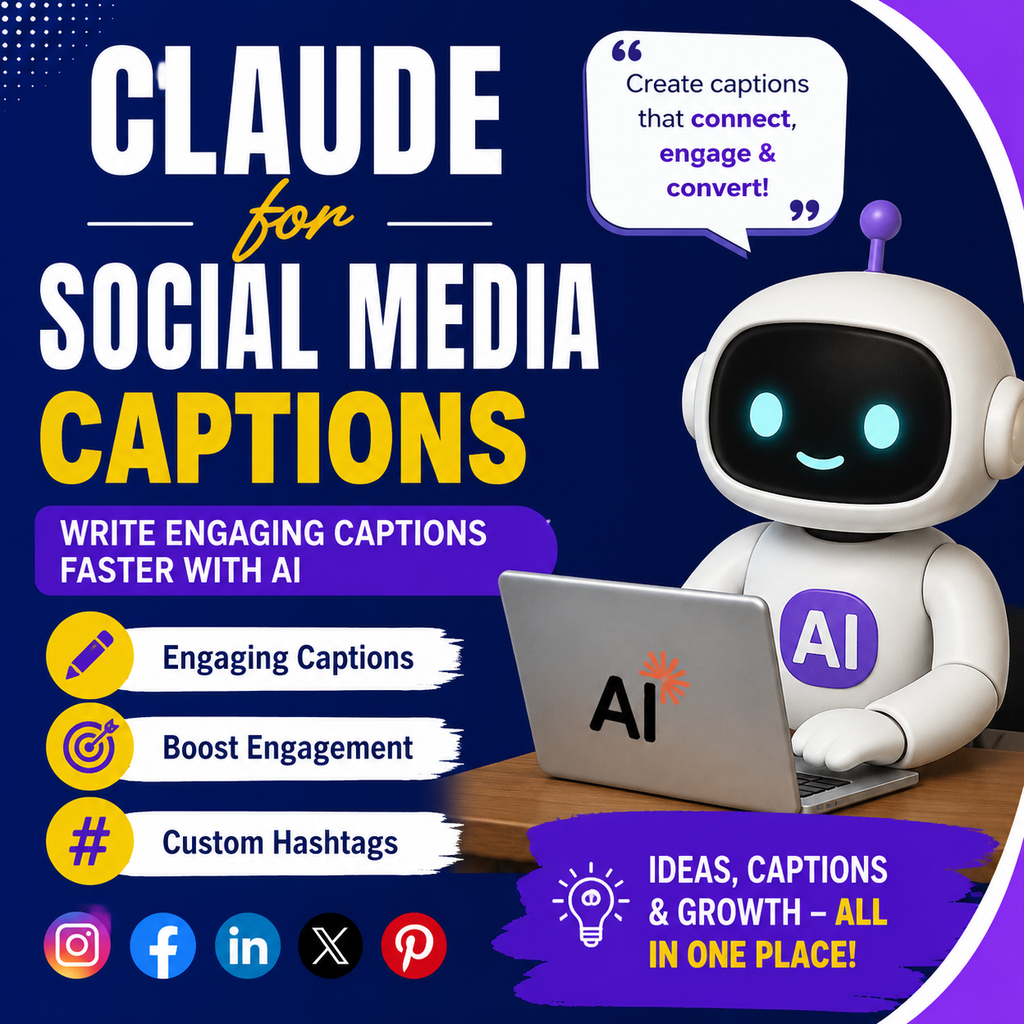
What Is Claude for Social Media Captions?
Claude is an AI assistant that can help users create, edit, and improve written content. For social media, it can assist with writing captions for platforms such as Instagram, Facebook, LinkedIn, X, and other channels.
You can provide Claude with information about your product, audience, campaign, or brand voice and ask it to create relevant caption ideas.
Claude can help you create:
- Instagram captions
- Facebook post captions
- LinkedIn posts
- Promotional captions
- Product launch announcements
- Educational social media posts
- Storytelling captions
- Short-form captions
- Call-to-action content
- Multiple caption variations
The quality of the result depends heavily on the prompt and information you provide.
Why Use Claude for Social Media Captions?
Social media requires regular content. Writing every caption manually can become time-consuming, especially when managing multiple platforms.
Claude can speed up the content creation process.
Save Time Creating Content
Instead of spending several minutes writing one caption, you can ask Claude to generate multiple options based on your topic.
For example, you can ask for five captions with different tones and choose the best one.
Create Different Caption Styles
Every brand has a different communication style. Claude can help create captions that sound:
- Professional
- Friendly
- Casual
- Educational
- Funny
- Inspirational
- Conversational
- Promotional
You can include examples of your existing content to help the AI understand your preferred tone.
Repurpose Content for Multiple Platforms
A caption that works on LinkedIn may not work well on Instagram.
Claude can adapt the same message for different platforms while changing the tone, structure, and length.
Generate Fresh Content Ideas
If you regularly run out of ideas, Claude can suggest content angles, hooks, questions, and caption concepts based on your niche.
How to Use Claude for Social Media Captions
Using Claude effectively starts with giving clear instructions.
A simple prompt may generate a general caption. A detailed prompt usually produces more targeted content.
Include the following information whenever possible:
- Your topic
- Target audience
- Social media platform
- Desired tone
- Main message
- Call to action
- Preferred caption length
For example:
Create an engaging Instagram caption about an AI productivity tool. The target audience is freelancers and small business owners. Use a friendly and conversational tone. Start with a strong hook and end with a call to action.
This provides Claude with enough context to create a more relevant caption.
Best Claude Prompts for Social Media Captions
Claude Prompt for Instagram Captions
Use this prompt:
Create 5 engaging Instagram captions about [topic]. My target audience is [audience]. Use a [friendly/professional/funny] tone. Start each caption with a strong hook and include a natural call to action.
This prompt is useful when you want multiple caption options for the same topic.
Claude Prompt for Facebook Posts
Use this prompt:
Write a Facebook post about [topic]. Keep the language simple and engaging. Focus on the benefits for [target audience]. Include a strong opening sentence and end with a question to encourage comments.
This approach can help create more conversational Facebook content.
Claude Prompt for LinkedIn Captions
Use this prompt:
Write a professional LinkedIn post about [topic]. Target professionals working in [industry]. Start with an attention-grabbing statement, provide useful insights, and end with a thoughtful question or call to action.
LinkedIn content often performs better when it provides useful insights or starts a relevant conversation.
Claude Prompt for Promotional Captions
Use this prompt:
Write 3 promotional social media captions for [product or service]. Highlight the main benefit, explain why it is useful, and include a clear call to action. Avoid sounding overly sales-focused.
This can help you create promotional content that feels more natural.
Claude Prompt for Short Captions
Use this prompt:
Create 10 short and catchy social media captions about [topic]. Keep each caption under 20 words. Make them engaging and easy to understand.
Short captions can be useful for visual posts where the image or video already communicates most of the message.
How to Write Better Prompts for Claude
The biggest mistake many users make is giving very little context.
For example:
Write a caption about AI.
This prompt is too broad.
A better version would be:
Write an Instagram caption about how AI tools help freelancers save time. Use a friendly and motivating tone. Target beginner freelancers. Keep the caption under 150 words and end with a question that encourages engagement.
The second prompt gives Claude a clear direction.
Be Specific About Your Audience
Your audience affects the language and messaging.
For example, a caption for students should sound different from a caption for business owners.
Mention details such as:
- Beginners or experts
- Age group, if relevant
- Industry
- Problems they face
- Goals they want to achieve
Mention Your Brand Voice
If your brand has a particular style, describe it clearly.
You can say:
Use a friendly, helpful, and simple tone. Avoid complicated words and make the content sound natural.
You can also provide examples of previous captions.
Ask for Multiple Variations
Instead of requesting one caption, ask for several options.
For example:
Create 5 different versions of this caption. Make each version use a different approach: educational, funny, inspirational, professional, and conversational.
This gives you more options to choose from.
Claude for Social Media Captions Across Different Platforms
Different social media platforms require different content styles.
Instagram captions often work well with:
- Strong opening hooks
- Storytelling
- Short paragraphs
- Questions
- Calls to action
You can ask Claude to create captions that match your visual content and audience.
Facebook content can be more conversational and community-focused.
Ask Claude to create captions that encourage users to comment, share experiences, or participate in discussions.
LinkedIn usually benefits from professional insights, personal experiences, industry lessons, and educational content.
Claude can help turn a simple idea into a structured professional post.
X
Captions for X generally need to be concise and direct.
Ask Claude to keep the message short while making the main point clear.
Can Claude Create Hashtags for Social Media?
Yes, Claude can help generate relevant hashtag ideas.
However, avoid asking for a random list of popular hashtags.
Instead, provide your niche and target audience.
For example:
Suggest 15 relevant hashtags for an Instagram post about AI tools for digital marketers. Include a mix of broad, niche, and specific hashtags. Avoid irrelevant or overly generic suggestions.
You should always review hashtags before publishing because relevance matters more than quantity.
Can Claude Create a Social Media Content Calendar?
Claude can also help with planning content.
You can ask it to create a content calendar based on your business goals.
For example:
Create a 30-day social media content calendar for a website that reviews AI tools. Include educational posts, tool comparisons, tips, promotional content, and engagement posts. Provide a topic and caption idea for each day.
This can help marketers and business owners organize their content strategy.
Common Mistakes to Avoid When Using Claude
AI-generated captions should not always be copied and published without review.
Do Not Use Generic Prompts
Generic prompts often produce generic content.
Give Claude clear details about your audience, goals, and platform.
Do Not Ignore Your Brand Voice
AI-generated content should still sound like your brand.
Review the caption and adjust the wording if it feels too formal, robotic, or different from your usual style.
Do Not Publish Without Checking Facts
If your caption includes statistics, product claims, prices, or other factual information, verify everything before publishing.
Do Not Use the Same Caption Everywhere
Each platform has a different audience and content style.
Adapt the message instead of copying the exact same caption across every platform.
How to Make AI-Generated Captions Sound More Human
You can improve the final caption by adding your own perspective.
Try these steps:
- Add a personal opinion or experience.
- Replace overly formal language with natural wording.
- Include specific examples.
- Use your brand’s preferred expressions.
- Remove unnecessary filler.
- Add a relevant question or call to action.
You can also ask Claude:
Rewrite this caption to sound more natural and human. Use simple language, short sentences, and a conversational tone. Avoid generic AI phrases and unnecessary repetition.
This can help improve readability.
Claude for Social Media Captions: Frequently Asked Questions
Is Claude good for writing social media captions?
Yes. Claude can help create caption ideas, rewrite existing posts, generate multiple variations, and adapt content for different platforms. The best results come from providing clear context and reviewing the final output.
Can I use Claude for Instagram captions?
Yes. You can use Claude to create Instagram captions, hooks, calls to action, content ideas, and hashtag suggestions.
Can Claude write LinkedIn posts?
Claude can help write professional LinkedIn posts based on your topic, audience, industry, and preferred tone.
Is AI-generated social media content safe to publish?
AI-generated content should be reviewed before publishing. Check facts, brand messaging, grammar, and originality to ensure the final post is accurate and appropriate.
How can I make Claude captions better?
Provide detailed prompts. Mention your audience, platform, tone, goal, caption length, and desired call to action.
Final Thoughts
Using Claude for social media captions can help content creators, marketers, freelancers, and businesses create content faster. The key is not simply asking AI to write a caption. Give it the right context.
Explain who your audience is, what platform you are posting on, what tone you want, and what action you want readers to take. Then review and personalize the result before publishing. Claude can be a useful assistant for brainstorming and drafting, but your own experience and brand voice should guide the final content.