
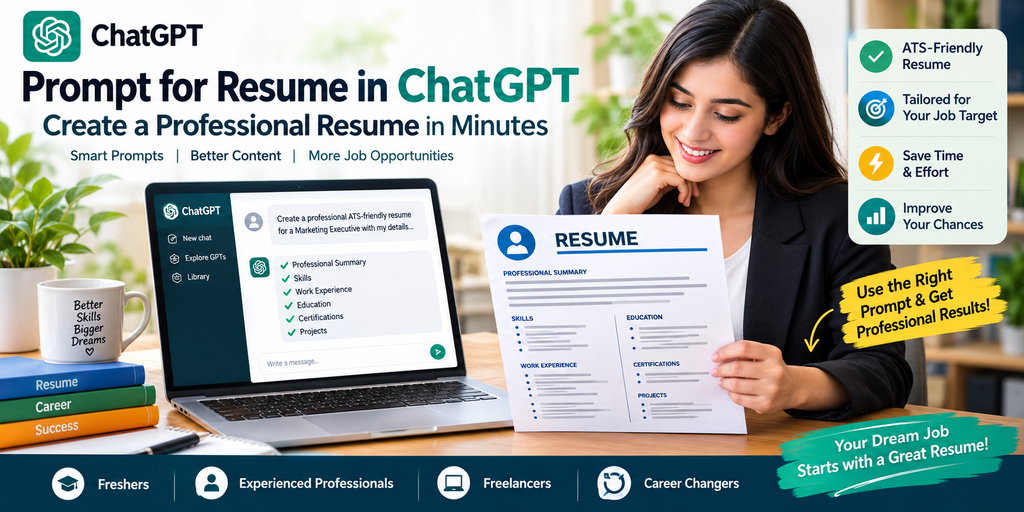
Prompt for Resume in ChatGPT: Create a Professional Resume in Minutes
Creating a professional resume can feel difficult when you do not know where to start. However, ChatGPT can simplify the entire resume-writing process with the right prompt.
A well-written prompt for resume in ChatGPT can help you organize your experience, highlight your skills, improve your wording, and create a professional resume structure. It can also help tailor your resume for specific jobs.
Whether you are a fresher, experienced professional, freelancer, student, or career changer, ChatGPT can help you build a stronger resume.
Why Use ChatGPT to Create a Resume?
Traditional resume writing often takes several hours. You need to choose the right format, write professional descriptions, and select relevant keywords.
ChatGPT can speed up this process. Moreover, it can turn simple career information into polished resume content.
You can use ChatGPT to:
- Write professional resume summaries.
- Improve existing resume content.
- Create achievement-focused bullet points.
- Identify relevant job keywords.
- Tailor resumes for specific positions.
- Fix grammar and spelling mistakes.
- Create professional cover letters.
- Make your resume easier to scan.
However, do not blindly copy everything generated by AI. Always verify your experience, qualifications, dates, achievements, and contact information.
Best Prompt for Resume in ChatGPT
The quality of your resume depends heavily on the information you provide. Instead of simply asking ChatGPT to “write my resume,” provide your career details and target position.
Use this powerful prompt:
Resume Prompt:
“Act as a professional resume writer and career coach. Create an ATS-friendly resume for the following job position: [Job Title]. Use my information below to create a professional resume with a strong summary, relevant skills, work experience, achievements, education, certifications, and projects. Use clear and concise language. Focus on measurable achievements and industry-relevant keywords. Do not invent any information. Optimize the resume for applicant tracking systems while keeping it natural and easy to read. Here is my information: [Paste Your Details].”
This prompt gives ChatGPT clear instructions and reduces the chance of generic resume content.
ChatGPT Resume Prompt for Freshers
Freshers often struggle because they have limited professional experience. Fortunately, you can focus on education, projects, internships, certifications, skills, and achievements.
Try this prompt:
“Create a professional ATS-friendly resume for a fresher applying for [Job Title]. Highlight my education, academic projects, internships, certifications, technical skills, soft skills, and relevant achievements. Use strong action verbs and industry-specific keywords. Do not exaggerate or invent experience. Keep the resume concise and suitable for an entry-level position.”
This approach helps present your potential instead of focusing only on your lack of experience.
ChatGPT Resume Prompt for Experienced Professionals
Experienced candidates should focus on measurable accomplishments rather than simply listing responsibilities.
Use this prompt:
“Rewrite my resume for a [Job Title] position. Make it ATS-friendly and achievement-focused. Convert my responsibilities into concise accomplishment statements using strong action verbs and measurable results where available. Highlight leadership, technical expertise, business impact, and relevant industry keywords. Do not create false information.”
For example, instead of writing “Managed social media accounts,” you could provide actual results and let ChatGPT create a stronger statement.
How to Make Your ChatGPT Resume ATS-Friendly
Many companies use Applicant Tracking Systems to screen applications. Therefore, your resume should use relevant terminology from the job description.
Ask ChatGPT to analyze the job posting with this prompt:
“Analyze this job description and identify the most important skills, qualifications, responsibilities, and keywords. Then compare them with my resume and suggest specific improvements. Do not add skills that I do not actually have.”
This method helps you create a more relevant application without keyword stuffing.
Best ChatGPT Prompt to Improve an Existing Resume
Already have a resume? You do not need to start from scratch.
Use this prompt:
“Act as an expert resume editor. Review my resume for grammar, clarity, formatting, relevance, and impact. Rewrite weak bullet points using strong action verbs. Remove unnecessary words and repetitive information. Improve the professional summary and highlight measurable achievements. Keep all facts accurate and do not invent experience.”
This can transform a basic resume into a more polished professional document.
How to Use ChatGPT for Different Job Applications
One resume does not always fit every job. Different employers prioritize different skills and experiences.
For example, a digital marketing position may prioritize SEO, content marketing, analytics, and social media. Meanwhile, a software development role may focus on programming languages, frameworks, projects, and technical achievements.
Therefore, paste the job description into ChatGPT and ask it to identify the most relevant parts of your background.
This creates a more targeted resume while keeping your information truthful.
Common Mistakes When Using ChatGPT for Resume Writing
AI can help you write better, but it cannot replace your judgment.
Avoid these common mistakes:
- Adding skills you do not possess.
- Inventing work achievements.
- Using excessive keywords.
- Writing overly long paragraphs.
- Using generic career statements.
- Ignoring the job description.
- Including outdated information.
- Failing to proofread the final resume.
Your resume should sound professional but still represent you accurately.
Final Tips for Creating a Better Resume With ChatGPT
Start by collecting your employment history, education, skills, certifications, projects, and achievements. Then provide the information to ChatGPT in an organized format.
Next, add the job description you want to target. Ask ChatGPT to identify important keywords and recommend improvements.
Finally, review every section manually. Check dates, job titles, company names, statistics, and qualifications before submitting your application.
Remember, ChatGPT should improve your presentation, not manufacture your professional history.
Conclusion
A strong prompt for resume in ChatGPT can save time and help you create professional, targeted, and ATS-friendly resume content. From writing your professional summary to improving achievement statements, ChatGPT can support almost every stage of resume preparation.
The key is to provide accurate information and specific instructions. Additionally, customize your resume for each important job application instead of using one generic version.
Use the prompts above as a starting point, review the final result carefully, and make sure your resume honestly represents your skills and experience.
Frequently Asked Questions (FAQs)
What is the best prompt for resume in ChatGPT?
The best resume prompt clearly explains the target job, your experience, skills, education, achievements, and resume requirements. It should also instruct ChatGPT not to invent information.
Can ChatGPT create an ATS-friendly resume?
Yes. ChatGPT can help structure resume content around relevant job-description keywords. However, you should still review the final formatting and content before submitting it.
Can freshers use ChatGPT to create resumes?
Yes. Freshers can use ChatGPT to highlight education, internships, projects, certifications, skills, achievements, and relevant coursework.
How do I make my ChatGPT resume more professional?
Provide specific career information and measurable achievements. Then ask ChatGPT to use concise language, strong action verbs, relevant keywords, and an ATS-friendly structure.
Should I copy a ChatGPT-generated resume directly?
No. Review and personalize it first. Verify every fact and remove anything inaccurate or exaggerated before sending the resume to an employer.

